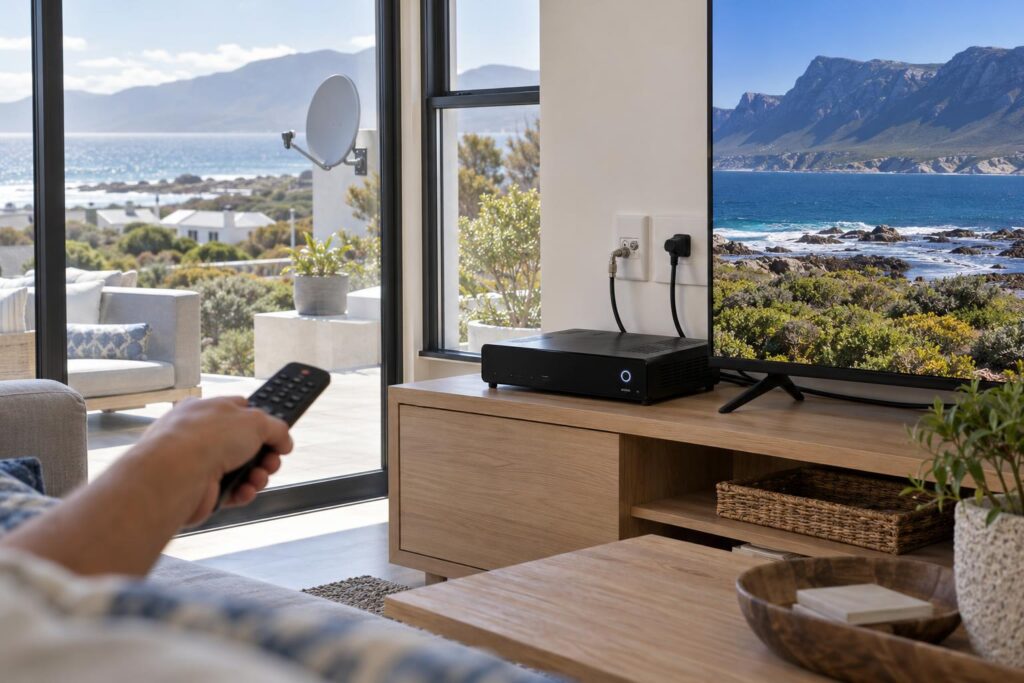
Quick answer: Switch the decoder off at the wall, wait 30 seconds and switch it on again. For account errors like E16, clear the error by app, WhatsApp or USSD and wait about 15 minutes. Leave a factory reset for last. If you see E48-32, no reset will help, because the fault is outside.
The TV goes blue and everyone looks at the decoder. This is our reset DStv decoder Hermanus guide, built from the calls we take every week. It shows you what to do, in what order, and when to stop.
There are three kinds of reset. A restart at the wall, an error clear from your phone, and a full factory reset. Each one fixes different problems. Pick the wrong one and you can lose recordings or end up with no signal at all.
Reset DStv decoder checklist: what you need first
Five minutes of preparation saves a lot of guessing. Before you reset DStv decoder settings of any kind, get these things together.
Have these ready
- The exact error code on the screen. Take a photo of it with your phone.
- The cellphone number registered on your DStv account.
- Your smartcard number or decoder details, if you use the app.
- Proof that your account is paid up, if the error looks like a payment problem.
- The remote, with working batteries.
Also note what happened just before the fault. Was there a storm, a power cut or a strong south-easter? Did someone move the TV cabinet? These clues tell you, and us, where the fault is likely to be.
If you have more than one decoder linked together, know which one is the main decoder. That matters later, and our guide on how DStv Extra View setup works explains the main and second decoder roles in plain terms.
How to reset your DStv decoder in 5 steps
Work through these steps in order. This is the same order our technicians use when they reset DStv decoder boxes on site. Stop as soon as the picture comes back. Each step is a little bigger than the one before it.
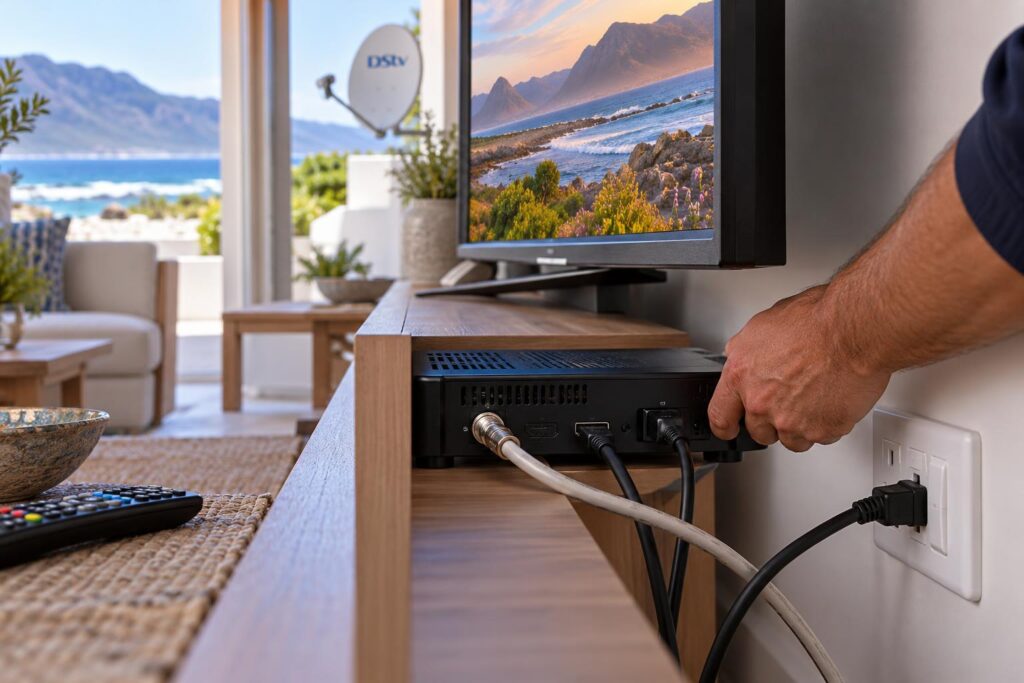
- Check the basics. Make sure the TV is on the right HDMI input and every cable is pushed in firmly at the back of the decoder.
- Do a power restart. Switch the decoder off at the wall plug, not with the remote. Wait about 30 seconds. Switch it back on and let it start up fully. This can take a few minutes.
- Reseat the smartcard. If you see E04 or another smartcard error, switch off at the wall. Slide the card out, wipe the chip gently with a dry cloth, and push it back in the same way. Switch on again.
- Clear the error from your phone. With the decoder switched on, use the MyDStv app, WhatsApp or USSD to send a fresh signal to your decoder. Then wait about 15 minutes without switching anything off.
- Factory reset, only as a last resort. This is in the decoder's settings menu. It takes the box back to how it came out of the box, and you then run the setup wizard again.
Most problems that a reset can fix are fixed by step 2 or step 4. If you reach step 5, slow down and read the troubleshooting section below first.
Clearing an error with the MyDStv app
Open the MyDStv app and sign in. Tap Manage, then Clear Error Codes. Choose the decoder that is giving trouble, find the error number on the list and confirm.
Clearing an error by WhatsApp or USSD
- WhatsApp: save 060 060 3788, send "Hello" and follow the menu.
- USSD: dial *120*68584# from the cellphone number registered on your account.
Both are listed on DStv's own contact and self-service page. They work from anywhere, so you can sort it out even if you are in Cape Town and the decoder is in the holiday house.
Reset DStv decoder troubleshooting, step by step
Every step can go wrong in its own way. Here is what we see most often, and what to do about it.
The power restart did nothing
If the decoder starts up but the error comes straight back, the fault is not a frozen menu. Note the code and move on to the right step for it. Do not keep switching it off and on. Cutting power while the decoder is still starting up can make recovery slower.
If the front light does not come on at all, check the wall plug with a lamp. Then check the decoder's power supply. A decoder that will not power on after a storm usually needs testing, not resetting.
Reset DStv decoder after payment: the error won't clear
We get this call a lot. The account is paid, the error was cleared, but E16 or E19 is still on the screen. Usually one of three things has happened.
- The decoder was switched off while the signal was sent. It must be on to receive it.
- The payment has not reflected yet, so the account still shows as unpaid.
- Not enough time has passed. DStv says to allow about 15 minutes.
Leave the decoder on a normal channel, wait the full 15 minutes, then clear the error once more. If it still shows, contact DStv about the account itself. That part is not something an installer can change.
The smartcard error keeps coming back
If E04 returns after you reseat the card, look at the card slot with a torch. Dust, a bent card or a loose card reader can all cause it. A card that is damaged needs replacing through DStv.
The factory reset left you with no signal
After a factory reset, the setup wizard asks technical questions about your LNB and satellite settings. Get them wrong and the decoder finds nothing. If you have Extra View, the link between the decoders may also need to be set up again.
We see this often. Someone factory resets a problem that was never inside the box, then calls us with two problems instead of one. If you are not sure the fault is in the decoder software, phone us before step 5.
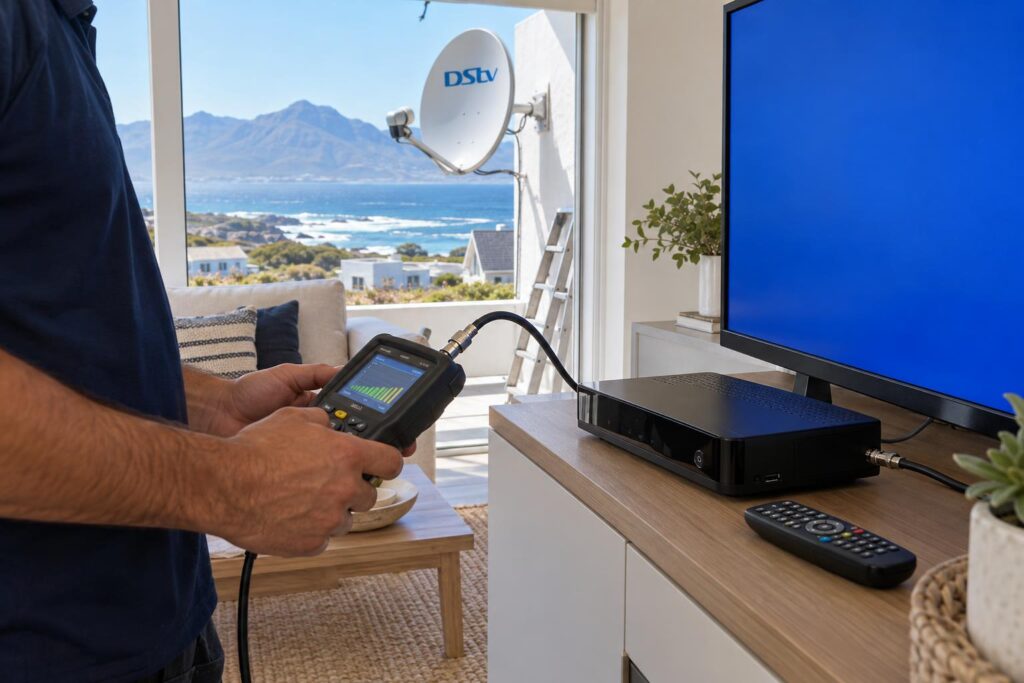
Before any factory reset, it helps to check your DStv signal strength in the decoder menu. A weak or zero reading means the problem is outside, and no attempt to reset DStv decoder software will change that.
Stuck halfway through the steps?
Send us a photo of the error on your screen. We will tell you which reset to try, or whether it needs a visit.
Which reset fixes which DStv error code
Match what you see on the screen to the right fix. DStv keeps a full list of DStv error codes if yours is not in this table.
| What you see | Try this | Will a reset work? |
|---|---|---|
| Frozen screen or menu | Power restart at the wall | Usually |
| E16, E17 or E19 after paying | Clear the error by app, WhatsApp or USSD | Usually, once payment shows |
| E04, please insert smartcard | Switch off, reseat the card, switch on | Often |
| E48-32 or "no signal" | Check the dish, LNB and cable | Rarely. The fault is outside. |
| Breaks up in rain or wind | Signal test and dish alignment | No |
| Decoder won't power on | Check the plug and power supply | No. A reset can't fix a dead box. |
A quick word on what each reset keeps. A power restart and an error clear do not touch your recordings or settings. A factory reset can delete favourites, scheduled recordings and, on some decoders and options, saved recordings too.
When a reset won't help: signs the fault is outside
A reset only fixes things inside the decoder or on your account. It does nothing for the dish, the LNB or the cable. Along this coast, that is where most faults live.
E48-32 and weather-related signal loss
DStv lists E48-32 as a weather-related "searching for signal" error. In Hermanus that weather is usually wind or driving rain. Watch for these signs:
- The error started after a strong south-easter or a winter storm.
- The picture freezes and breaks up in rain, then recovers.
- Some channels work and others don't.
- Reception has slowly got worse over months.
No amount of resetting will push a dish back into line. Our article on the E48-32 error in Hermanus covers the usual causes.
Power surges and a decoder that keeps restarting
If the decoder was plugged in during lightning or a power surge, and now it won't start or keeps rebooting, a reset won't bring it back. A factory reset cannot repair damaged parts. Read our guide on protecting your DStv decoder from surges so it does not happen twice.
Hermanus conditions that make resets fail
Our coast is hard on satellite gear. Many "my reset didn't work" calls in Hermanus come down to the same local causes.
Wind across Walker Bay
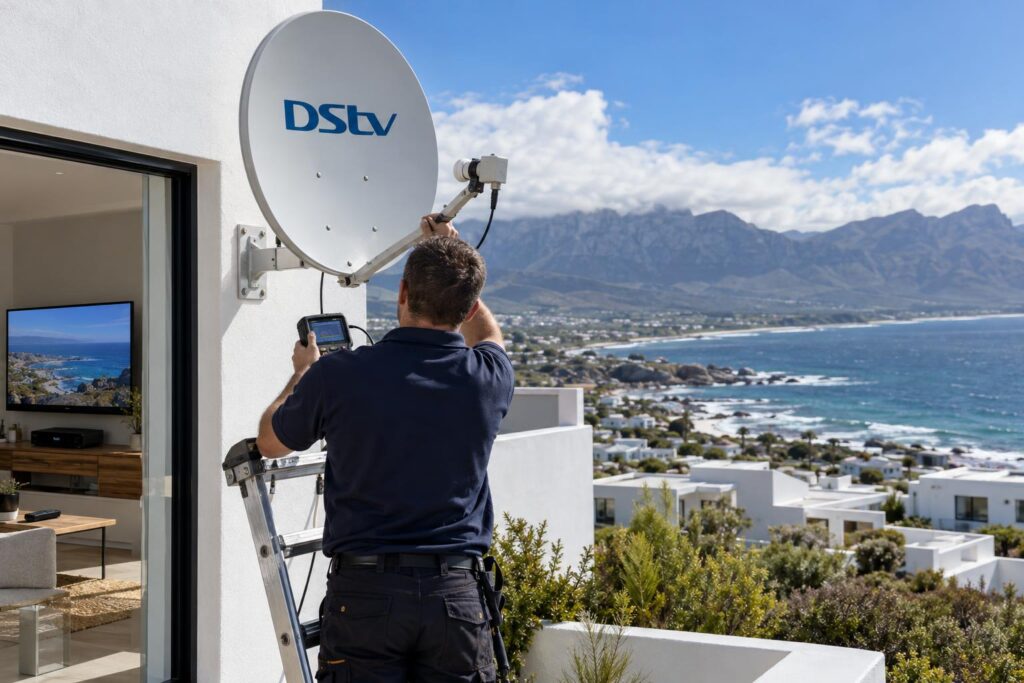
Homes on the ridge in Vermont, the cliff paths in Westcliff and Eastcliff, and the high ground near Fernkloof take the full force of the wind. A dish that moves only a little can lose the satellite. The decoder then shows E48-32, and resetting it changes nothing.
Salt air and wet connectors
In Voelklip, Onrus and Sandbaai, the sea is close and the salt gets everywhere. It corrodes the LNB and the connectors on the cable. Water then creeps into the joints. The signal fades slowly, until one day the screen goes blank.
Holiday homes that sit closed for months
The house in Voelklip or Kleinmond is shut all winter. The decoder is off at the wall. Then the family arrives in December and nothing works. Work through it in this order:
- Check that the account is paid up. Many owners pause the subscription while they are away.
- If you use Extra View, switch on the main decoder first. DStv says the second decoder will not work while the main one is off.
- Clear any error through the app, WhatsApp or USSD, and wait the full 15 minutes.
- If E48-32 remains, the dish has probably moved or a connector has corroded while nobody was watching.
Our holiday home DStv setup article covers how to stop this happening every season.
Local tip: After load shedding or a power cut in Hawston, Fisherhaven or Stanford, give the decoder a few minutes to start up properly before you assume a fault. If the router also lost power, online features may take longer to return than live TV.
When to stop resetting and call a technician
If you have done the power restart, cleared the error and waited, stop there. Trying to reset DStv decoder settings again and again only wastes your evening. More resets will not help. The next step is a proper test, from the decoder all the way to the dish.
Our team checks the signal at the decoder, then the wall plate, the cable, the LNB and the dish. Then we fix the part that actually failed. That is how our DStv signal repairs in Hermanus work, and we weather-seal the fix so it lasts on the coast.
Sometimes the decoder itself is the weak link. If yours is an old HD model that keeps freezing, read about upgrading an old DStv decoder before you spend money on repairs.
Our team handles DStv installation in Hermanus and along the Overberg coast, so we know which streets catch the worst wind. Call or WhatsApp us with the error on your screen and we will help you decide what comes next.
Reset done and still no picture?
Our Hermanus team can usually come out the same or next day, depending on bookings. Tell us your suburb and the error code.
If you live in Westcliff full time or visit Onrus twice a year, our Hermanus DStv installers are a phone call away when a reset is not enough.
Keep this guide bookmarked. The next time the screen goes blue, you will know exactly which reset to try first.
Reset DStv decoder: questions Hermanus homeowners ask
Will resetting my DStv decoder delete my recordings?
A power restart at the wall will not. Clearing an error from the app, WhatsApp or USSD will not either. A factory reset from the settings menu can delete recordings, depending on the decoder and the option you choose, so leave it for last.
How do I reset my DStv decoder after payment?
Keep the decoder switched on and clear the error through the MyDStv app, WhatsApp on 060 060 3788 or USSD on *120*68584#. Then wait about 15 minutes. If the error stays, check that the payment has reflected on your account.
How do I reset my DStv decoder without a remote?
Switch it off at the wall plug, wait about 30 seconds and switch it back on. Clearing an error from your phone also needs no remote. You will need a working remote for a factory reset, because that is done in the settings menu.
Can I reset my DStv decoder to get signal back?
Rarely. If the screen shows E48-32 or "no signal", the decoder is not getting a usable signal from the dish. The cause is usually dish alignment, the LNB or the cable, and that needs a technician.
Why is my DStv decoder not working after a reset?
Either the fault was never inside the decoder, or a factory reset left the wrong LNB settings. Write down the exact error code and call us. We can usually tell from the code whether it needs a visit.
Should I do a factory reset if nothing else works?
Only if you are sure the problem is in the decoder software. A factory reset reruns the setup wizard and can leave you with no signal if the settings are entered wrong. Call us first if you are unsure.