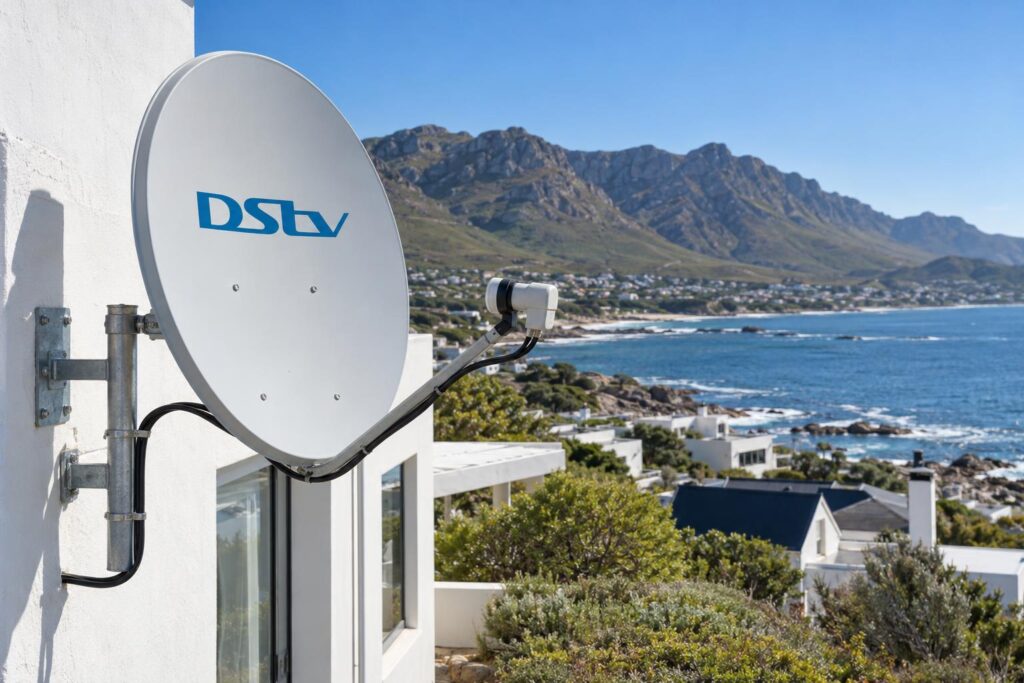
Quick answer: To check DStv signal strength, press the Help button on your DStv remote, choose General Information, then Tuner Status. You will see a strength bar and a quality bar for each tuner. Quality matters most. If quality is low or jumps around while strength looks fine, the dish or LNB usually needs a technician with a proper meter.
Most people think checking the signal is a job for a technician on the roof. It isn't. The quickest way to check DStv signal strength Hermanus technicians use first on every call-out is a screen inside your own decoder. You only need the remote, the TV and about a minute.
When you check DStv signal strength, the reading won't fix anything by itself. But it tells you whether the signal is reaching the decoder, and whether it is clean. It also gives us something real to work with when you phone. That often saves you a wasted call-out.
Key points before you start
- You can check DStv signal strength from the couch. No ladder, no meter.
- Signal quality matters more than signal strength.
- Check every tuner, not only Tuner 1.
- One reading tells you about today. A few readings over a season tell you the real story.
- Reading the screen is safe. Moving the dish yourself is not.
Myths about how to check DStv signal strength
We hear the same few ideas on almost every job from Onrus to Kleinmond. Some of them cost people money. Let's clear them up first.
Myth: you need a signal meter or a ladder
Fact: you can check DStv signal strength on the decoder's own screen. It shows how much signal is arriving and how clean it is. We still use a proper meter when we align a dish, but you don't need one just to look.
Myth: a reset will sort out a weak signal
Fact: a reset clears software hiccups, and it is a good first step for frozen menus. Our guide on when to reset your DStv decoder explains when it helps. A reset cannot move a dish or dry out a wet connector, so a weak signal will still be weak afterwards.
Myth: a full strength bar means everything is fine
Fact: strength only shows how much signal arrives. Quality shows how clean it is. A loud signal full of noise still freezes, just like a loud radio station full of static.
Myth: there is one magic number to aim for
Fact: DStv does not publish an official pass mark that we could find. What matters is whether quality is high, steady and the same on every tuner. A reading that drops to nothing usually ends in the E48-32 no signal error, and that is a different conversation.
How to check DStv signal strength on your decoder
On current DStv decoders, the signal screen sits inside the Help menu. These are the same steps on DStv's own help page.
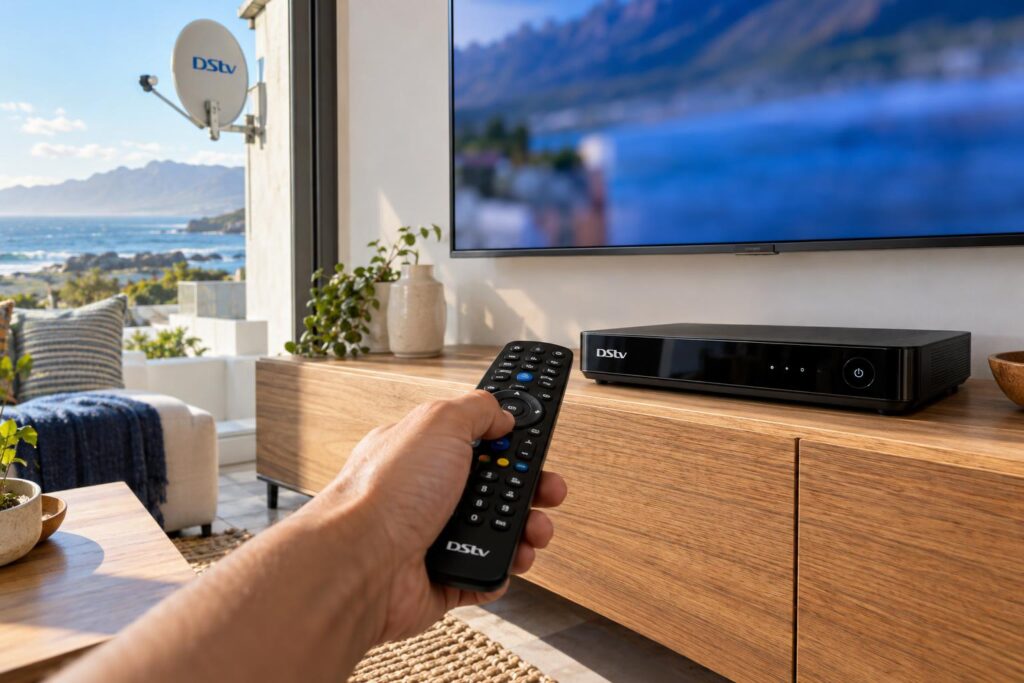
- Switch on the TV and decoder and tune to any normal channel.
- Press the Help button on your DStv remote.
- Choose General Information.
- Choose Tuner Status.
- Read the two bars for each tuner. One is signal strength. The other is signal quality.
- Take a photo of the screen with your phone.
If your menus look different when you check DStv signal strength, you may have an older decoder. Tell us the model on the sticker underneath and we will talk you through it on the phone.
Check every tuner, not just Tuner 1
When you check DStv signal strength on an Explora, look at every tuner. An Explora has more than one. That is how it records one channel while you watch another. DStv's steps say to check Tuner 1 and Tuner 2, and your screen may show more.
If one tuner reads much lower than the others, the problem is usually inside the house, in that cable run or connector. If every tuner is equally low, look further up the line at the dish or LNB. On Explora installs that LNB is often a Smart LNB, and our article on the Smart LNB in Hermanus explains why it matters.
Before you press Help
- Write down any error code on the screen first.
- Note the weather: calm and clear, windy, or raining.
- Note the time of day.
- Have your phone ready for a photo.
The weather note sounds fussy. It isn't. The same dish can read well on a still morning and badly in the middle of a cold front. That is why we always note the weather when we check DStv signal strength.
DStv signal strength vs signal quality: the facts
The two bars measure different things, and people mix them up all the time. Strength is how much signal arrives. Quality is how clean that signal is, and quality decides your picture.
Use this table as a rough guide. It is how we read a photo of the Tuner Status screen when a customer sends one.
| What you see | What it usually means | Next step |
|---|---|---|
| Both bars high and steady | The signal is fine | Look at the account, smartcard, decoder or HDMI cable |
| Strength fine, quality low | Dish slightly off, or a tired LNB | Realignment with a meter |
| Both bars low | Signal lost on the way, often a cable or connector | Check the cable at the back of the decoder |
| Bars empty | Nothing reaching the decoder | Cable, LNB, or a dish knocked well out |
| Bars jump around | Loose connector, or the dish moving in wind | Note the weather and call us |
| Fine when calm, low in rain | Not enough headroom for bad weather | Realign for a stronger margin |
Strength fine and quality low is the most common pattern we see. It nearly always means the dish has drifted a fraction of a degree. That is a job for professional dish alignment, because the dish must be peaked on a meter and then locked so it holds.
Why a strong signal can still break up
Think of the LNB as the ear of the dish. When salt gets into it, or water creeps into a connector, it still hears plenty. It just hears it badly. Strength stays up, quality drops, and the picture blocks up when you least want it to.
What your reading means for Hermanus homes
A reading only makes sense if you know what the house goes through. Ours is a tough coast for satellite gear, and the pattern on your screen often points straight at the local cause.
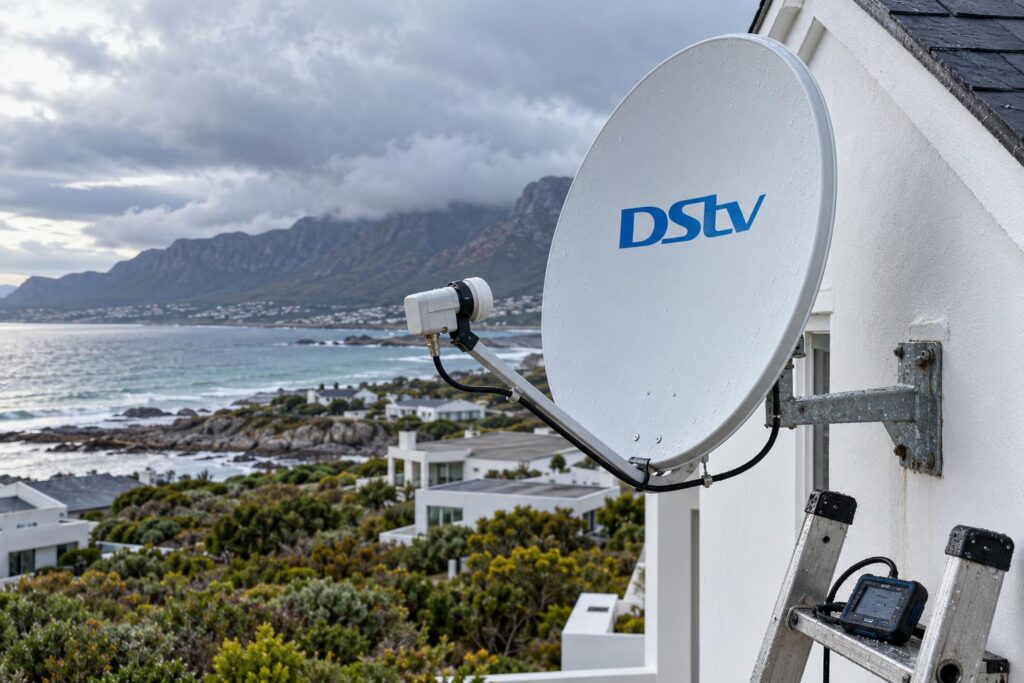
Wind and salt along the Walker Bay coast
In Voelklip, Eastcliff and Westcliff, dishes take salt spray and the full force of the south-easter. Salt slowly works on LNBs and connectors, so quality falls a little each month. Wind moves dishes on weak brackets, so readings jump on blowy days and then stay low.
Homes higher up in Fernkloof face a different issue. Trees grow into the line of sight, and the reading drops gradually as a branch fills in.
Holiday homes and complexes
Holiday homes in Vermont and Onrus can stand empty for months. Nobody notices a slow drop until the family arrives in December and the picture breaks up. Check DStv signal strength when you open the house, before the first big game.
In Sandbaai complexes, one shared dish often feeds many units. If your neighbours have the same low reading, the fault is on the shared system, not in your flat. Our Hermanus DStv installers sort out both single homes and shared systems.
Farms, load shedding and surges
Out towards Stanford, Hawston and Fisherhaven, cable runs from dish to house can be long. Long runs lose signal, so both bars sit lower than they would in town.
Power cuts and lightning are the other worry. A surge can damage a decoder tuner, and that shows up as one tuner reading badly while the others are fine. Our guide to decoder surge protection covers the simple ways to prevent it.
Got a low reading?
WhatsApp a photo of your Tuner Status screen to 079 754 5527. We can often tell from that one picture whether you need a realignment, a new LNB or just a cable fixed.
Keep a signal log to check DStv signal strength over a season
Most people check DStv signal strength once and forget about it. A log is the most useful step of all. A single reading tells you about today. A few readings over a season show you a trend.
Write down the strength and quality for each tuner on these days:
- A clear, calm day, as your starting point.
- The day after a strong south-easter.
- During heavy winter rain.
- Every few months on a calm day again.
Then compare the numbers. Your phone saves the date on each photo, so the log almost keeps itself.
How to read your log
- The calm-day reading drops slowly over a year: something is wearing out, usually the LNB or a wet connector.
- The reading drops after wind and stays low: the dish has moved.
- The reading dips in rain and comes back: your margin is thin.
- The reading jumps around on a calm day: look for a loose connector.
The wind pattern is so common here that we wrote a whole piece on how the Walker Bay wind moves dishes and how a proper mount stops it.
When a low DStv signal strength reading needs a technician
It is safe to check DStv signal strength from the couch. Climbing up to fix the dish is not. A dish must point within a fraction of a degree, so moving it by hand without a meter usually makes things worse.
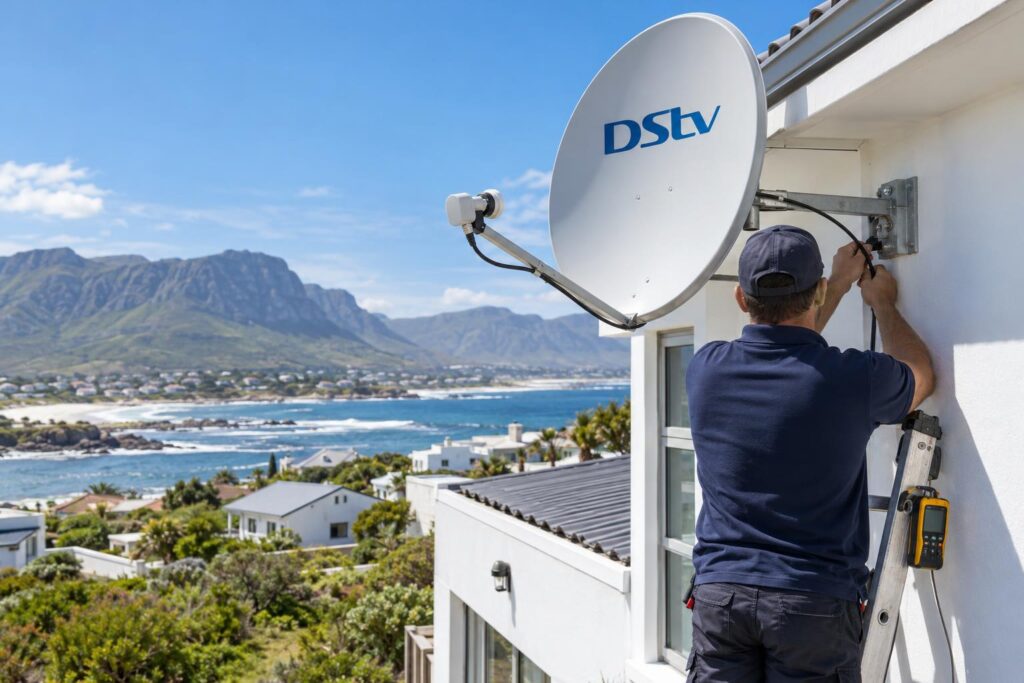
On a wet or windy roof, it is also how people get hurt. Here is what you can safely do from the ground:
- Make sure the cable is screwed in firmly at the back of the decoder.
- Check that the wall plate is not loose.
- Look at the dish for an obvious tilt, a hanging cable or a new branch in the way.
- Switch the decoder off at the wall, wait a minute and switch it on again.
After that, it is time for a technician. Empty bars, one tuner reading badly, or a reading that has fallen over months all point at the LNB, cable or decoder. That is the work our DStv signal repairs team does every week.
What a repair visit involves
We test the signal at the dish with a meter, then at the wall, then at the decoder. That tells us exactly where the signal is lost. We fix that point, re-seal every outdoor connection against salt and water, and check the Tuner Status screen with you before we leave.
In our cost guide, a dish realignment typically falls between R450 and R850, and a signal fault repair between R450 and R900. The exact price depends on what has failed, and we confirm it before any work starts.
Your checklist before you call us
Run through this list once. It takes five minutes and makes the phone call much quicker.
- Write down any error code on the screen.
- Check DStv signal strength in Help, General Information, Tuner Status.
- Photograph the screen for every tuner.
- Note the weather and the time.
- Check the cable at the back of the decoder and at the wall plate.
- Ask a neighbour if their DStv is working.
- Send the photos to us on WhatsApp.
With that in hand, we can usually tell you on the first call whether it is a quick fix or a visit. That is how we keep DStv installation in Hermanus and every repair after it simple for our customers.
Signal still low after your checks?
Our team works across Hermanus, Onrus, Sandbaai, Hawston, Stanford and Kleinmond. Send us your reading and we will tell you what we think it means.
A good reading today is a great starting point. Check DStv signal strength again after the next big blow, and you will spot trouble long before the picture freezes.
Check DStv signal strength: common questions
How do I check DStv signal strength on an Explora?
Press the Help button on the remote, choose General Information, then Tuner Status. You will see a strength bar and a quality bar for each tuner. Check all of them, not only Tuner 1.
What should my DStv signal strength be?
DStv does not publish one official pass mark that we could find. Look for quality that is high, steady and similar on every tuner. If quality is low or jumps around, the dish or LNB needs attention.
Why is my DStv signal strength good but the quality low?
Strength shows how much signal arrives, and quality shows how clean it is. Good strength with low quality usually means the dish has drifted slightly or the LNB is wearing out. On the Hermanus coast, wind and salt are the usual causes.
Can I check DStv signal strength without a remote?
The Tuner Status screen is opened with the remote, so you need a working one. If your remote is lost or broken, replace it first. Then run the check before you book a call-out.
Can I align my own dish using the signal screen?
We don't recommend it. The dish must point within a fraction of a degree, and the decoder screen reacts slowly. Without a meter you are guessing, and roof work in Hermanus wind is risky.
My reading is fine but I still have no picture. Why?
If both bars are high and steady, the signal is reaching the decoder. Look at your account, the smartcard, the decoder itself or the HDMI cable to the TV instead. Send us a photo of the screen and we will help you narrow it down.