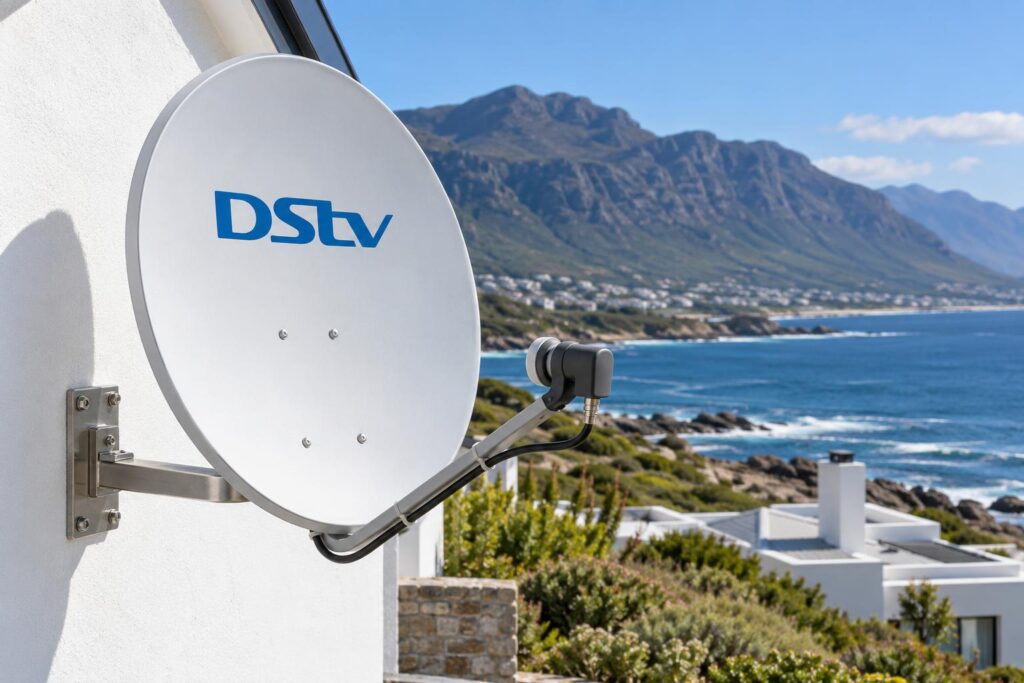
Quick answer: You need a DStv Smart LNB if you have an Explora, an Explora Ultra or most Extra View setups. A single HD decoder on one TV works fine on a normal LNB. In a complex with a shared dish, a Smart LNB is not the right fit at all. In Hermanus, how well it is fitted and sealed matters as much as the part itself.
Most smart LNB Hermanus questions reach us the same way. Someone brings home a new Explora, plugs it in, and the screen stays black. Or the shop says "you need a Smart LNB", a neighbour says "no you don't", and now you are stuck in the middle.
Both people can be right. It depends on your decoder, your dish and your house. This guide starts with the problem, then the causes, then the fixes, and then when it makes sense to call us.
Smart LNB Hermanus checklist
- Explora or Explora Ultra: yes, you need a Smart LNB and DStv recommends an 80cm dish.
- Extra View with two or three decoders: usually yes.
- One HD decoder on one TV: no, a normal LNB is enough.
- Flat or complex on a shared dish: no, you need a communal system.
- On the coast: the seal on each connector decides how long it lasts.
Smart LNB Hermanus problems usually start with a new decoder
We hardly ever get a call that says "please fit a Smart LNB". People call because something new does not work on something old.
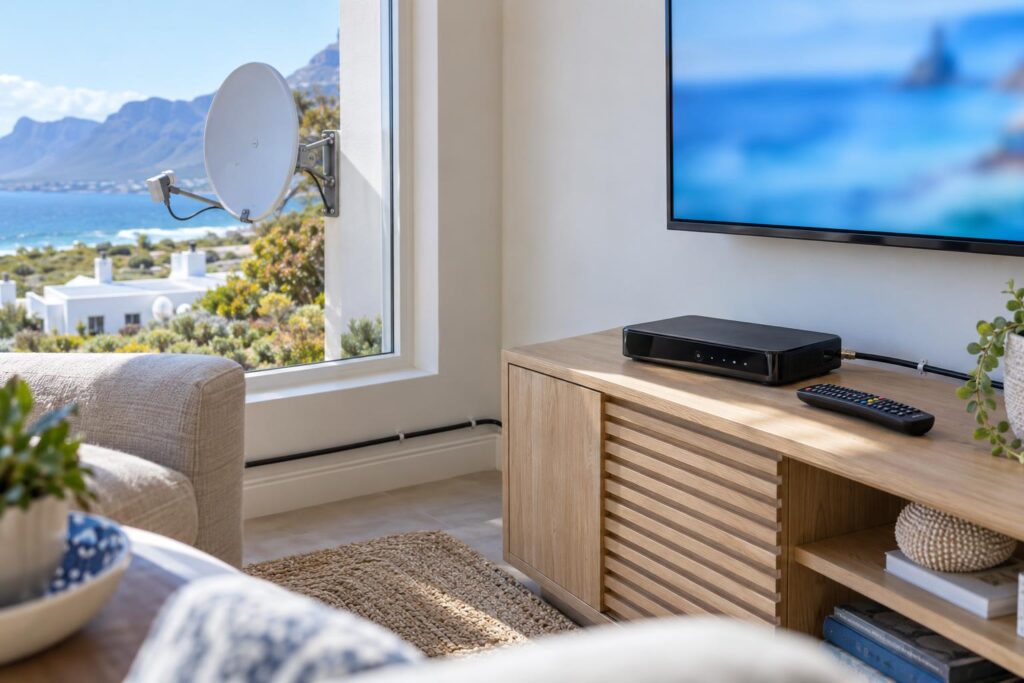
The three calls we get most
- "I bought an Explora and it says no signal, but my old decoder worked on the same dish."
- "I added a second decoder for Extra View and only one of them works properly."
- "Everything was fine, and now every TV in the house lost signal at the same time."
The first two are usually a missing Smart LNB. The third is often a Smart LNB that is failing, or a connector that let in water. We see all three every month across Hermanus, Onrus and Sandbaai.
These are not difficult faults. They are simply confusing if nobody explains what the LNB does. That is most of what we do on a normal day of DStv installation in Hermanus: explain it, fix it, and test it before we leave.
What a DStv Smart LNB actually does
The LNB is the arm on the front of your dish. It collects the signal the dish catches and turns it into something your decoder can read. Every DStv dish has one.
A Smart LNB is a type DStv had made for its own decoders. It combines a normal LNB and a DStv Switch in one unit. That lets one cable carry several signals at once, using a system called UniCable.
Why does that matter? An Explora has more than one tuner. It records one channel while you watch another. A normal single LNB cannot feed all of those tuners down one cable. A Smart LNB can.
The two models you see on local roofs
- LMX501: the current model. The DStv Smart LNB help page lists it with 30 user bands, 3 UniCable outputs and 1 universal output.
- LMX500: the first model. It has 24 user bands, 4 UniCable outputs and 2 universal outputs. Plenty are still working on Vermont and Westcliff houses.
The universal output is for an older or single view decoder. So one Smart LNB can run an Explora and an older HD decoder in the same house.
Smart LNB vs normal LNB
| Feature | Normal single LNB | DStv Smart LNB |
|---|---|---|
| Best for | One HD single view decoder | Explora, Explora Ultra, most Extra View |
| Cable to an Explora | Cannot feed all its tuners | One cable does the job |
| Recording while watching | Not on an Explora | Yes |
| Shared dish in a complex | Part of a communal system | Not suitable, says DStv |
| If it fails | One decoder goes down | Every decoder on it goes down |
If you want the full picture of what we set up inside the house, our Explora installation in Hermanus page covers recording, catch-up and Wi-Fi setup on the same visit.
Smart LNB Hermanus check: which decoders need one
Find your setup below. Each answer is based on what DStv itself recommends, not on what is easiest to sell.
| Your setup | Smart LNB? | Why |
|---|---|---|
| One HD decoder, one TV | Not needed | A single LNB is the standard for single view. |
| Explora or Explora Ultra | Yes | DStv's recommended install is a Smart LNB with an 80cm dish. |
| Extra View, two or three decoders | Usually yes | MultiChoice recommends it for most Extra View installs on your own dish. |
| Flat or complex, shared dish | No | DStv says it is not suitable for complexes and apartments. |
| Old Explora swapped for an Ultra | Already fitted | DStv says you can unplug the old Explora and plug in the Ultra. |
So if you are moving from an old HD box to an Explora, the Smart LNB is part of the job. We fit it during the same smart LNB Hermanus visit. Our guide to upgrading your DStv decoder walks through that change from start to finish.
If you want a second room on one subscription, read how DStv Extra View setup works first. It helps to know which decoders you will link before we pick the LNB.
Local tip: Holiday homes in Voelklip and Eastcliff often sit empty for months. If you plan to add an Explora within a year, fit the Smart LNB now while the ladder is up. Your current HD decoder will carry on working on it in the meantime.
Why a Smart LNB fails sooner on the Walker Bay coast
A Smart LNB is a good part. The problem is where it lives. In Hermanus it sits outside all year in salt air, rain and a hard summer south-easter.
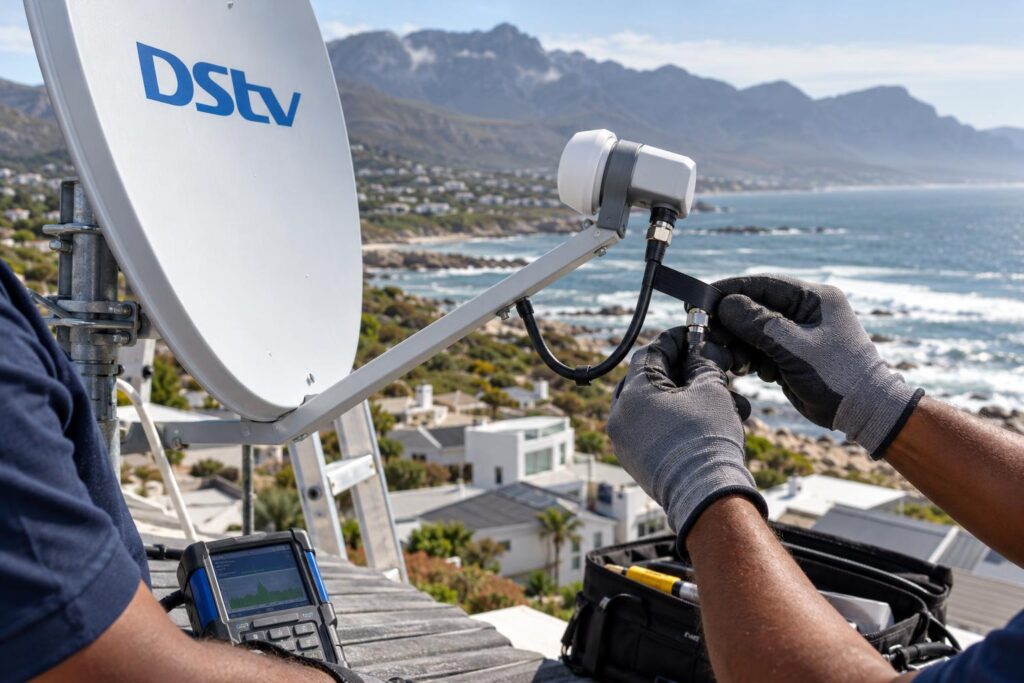
Salt air gets into the connectors
Salt settles on every exposed fitting. If a connector is not sealed, moisture creeps in and the copper starts to corrode. The signal does not die in one day. It fades over months, until one wet evening it drops out.
On this stretch of coast, unsealed connectors are the most common reason we get called back to a house that was "done" by someone else.
Wind moves the dish, not just the LNB
A dish has to point at the satellite very precisely. The wind off the bay slowly works a loose bracket out of line. A new LNB on a dish that is slightly off still gives a weak signal.
That is why we check alignment with a meter every time we touch an LNB. If the dish has drifted, we correct it as part of our satellite dish alignment work on the same visit.
One unit feeds every room
With a Smart LNB, every decoder in the house runs off one part. When it fails, every TV goes down together. That is no reason to avoid one. It is a reason to fit it properly the first time.
Not sure what is on your dish?
Send us one clear photo of your dish and LNB on WhatsApp. We will tell you if you need a Smart LNB, and if you don't, we will say so.
Signs your Smart LNB is struggling
A failing Smart LNB rarely stops all at once. Look out for these:
- The picture breaks up in rain, but it was fine last summer.
- Recordings fail now and then, while live TV mostly works.
- Every room loses signal at the same moment.
- You can see rust, a cracked cover or a loose cable on the LNB from the ground.
- You keep getting the same no-signal message after a windy day.
That last one is usually E48-32. Our page on the E48-32 error in Hermanus explains what it really points to. Often it is a connector or the dish, not the LNB.
Before you book anyone, it is worth taking a reading. You can check your DStv signal strength from the decoder menu in a couple of minutes. Write down the numbers. They help us a lot.
How to tell if you already have a Smart LNB
You do not need to climb onto the roof. Try these from the garden or the lounge.
- Count the ports. Look under the LNB on the dish. A basic single LNB has one cable port. A Smart LNB has several.
- Find the model number. Smart LNBs carry a model number starting with LMX on the housing. Zoom in with your phone camera.
- Think about what already works. If an Explora has been recording happily on that dish, you almost certainly have a Smart LNB or a DStv Switch.
- Send us the photo. One clear picture on WhatsApp is usually enough for us to tell you.
If you have just bought a house in Fernkloof or Sandbaai, do this check before you buy a new decoder. Many previous owners left a working Smart LNB behind.
Smart LNB Hermanus upgrades: how we fit one
Most people expect a new dish. On most smart LNB Hermanus jobs we do, it is not needed. If the dish and bracket are sound, the job is an LNB swap plus a proper setup.
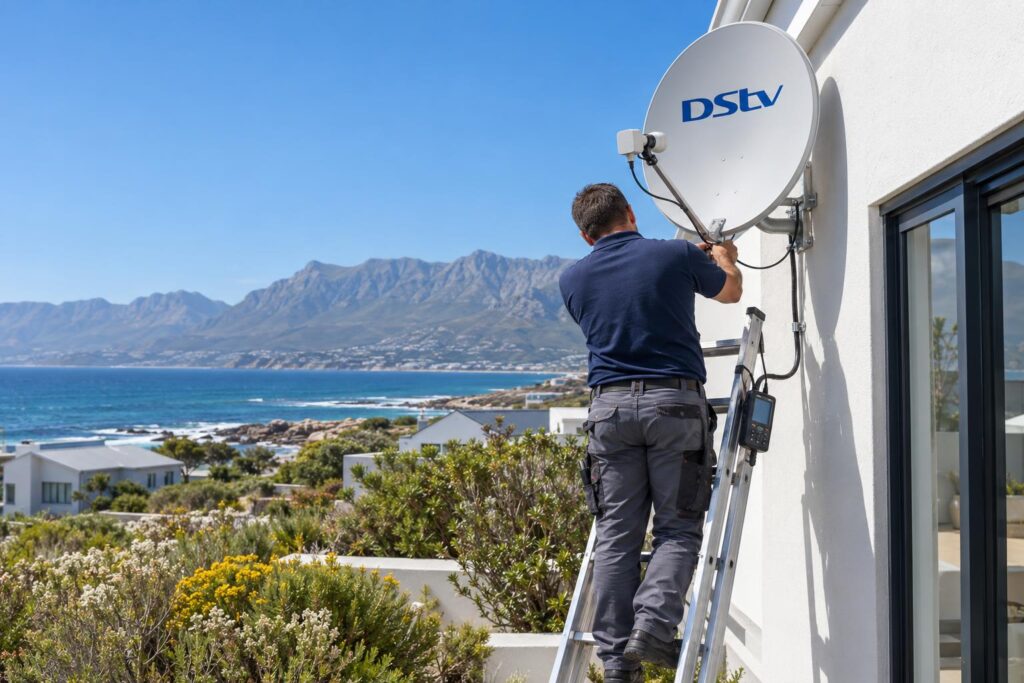
Our fitting steps
- Check the dish, bracket and bolts. Rust or a loose mount is fixed first.
- Remove the old LNB and fit the Smart LNB.
- Set the skew and fine tune the dish with a signal meter, not by eye.
- Seal every outdoor connector and add a drip loop so water runs off before it reaches the joint.
- Clip the cable so it cannot flap in the wind.
- Connect each decoder to the right port and set it up for the new LNB.
- Test every tuner, not just the channel on screen, and show you the reading.
What it typically costs
These are the guide ranges from our own price guide. The Smart LNB and decoder are separate equipment costs, and shop prices for them change often.
| Job | Typical range |
|---|---|
| Explora or Ultra install, Smart LNB fitted | R1,400 to R3,000 |
| Extra View or multi-room | R1,200 to R2,500 |
| Dish realignment only | R450 to R850 |
| Signal fault repair | R450 to R900 |
For a full breakdown, our DStv installation cost guide explains what pushes a job up or down. A double storey in Onrus with a long cable run takes longer than a single storey in Sandbaai.
When to call us, and when to leave it
Here is the honest smart LNB Hermanus answer. If you have one HD decoder and it works, leave it alone. A Smart LNB will not make your picture better.
Call us if you are getting an Explora, adding rooms, or seeing the warning signs above. Our local DStv installers in Hermanus cover the whole area, including Hawston, Fisherhaven, Stanford and Kleinmond.
- Call or WhatsApp with your decoder model and a photo of the dish.
- Tell us which rooms you want working.
- We give you an upfront price before any work starts.
Please do not fit a Smart LNB from a ladder on a windy day yourself. The alignment needs a meter, the decoder needs setting up, and a fall from a Hermanus roof is not worth the saving.
Getting an Explora or adding a room?
We fit, align and seal Smart LNBs across Hermanus and the Overberg, and test every tuner before we leave.
Smart LNB Hermanus FAQs
What is a Smart LNB used for?
A Smart LNB lets one cable carry several satellite signals to your decoder. DStv recommends it for all Explora decoders and most Extra View setups. It does the work of a normal LNB and a DStv Switch in one unit.
Can I use a Smart LNB with an HD decoder?
Yes. The Smart LNB has a universal output made for older and single view decoders. If you only have one HD decoder, though, you do not need to buy one.
Do I need a new Smart LNB for an Explora Ultra?
Not if you already have a working Explora. DStv says you can unplug the old Explora and plug in the Ultra. Your existing Smart LNB stays as it is.
Can I fit a Smart LNB myself in Hermanus?
You can buy one, but fitting it well is the hard part. The skew and dish alignment need a meter, and the decoder must be set up for the new LNB. On a windy coastal roof it is also a real fall risk.
Will a new Smart LNB fix my E48-32 error?
Only if the LNB is the fault. E48-32 often comes from a dish that has moved or water in a connector. We test the signal first and replace only what has failed.
Can I put a Smart LNB on the shared dish in my complex?
No. DStv says the Smart LNB is not suitable for complexes and apartments. A shared dish needs a proper communal system instead.