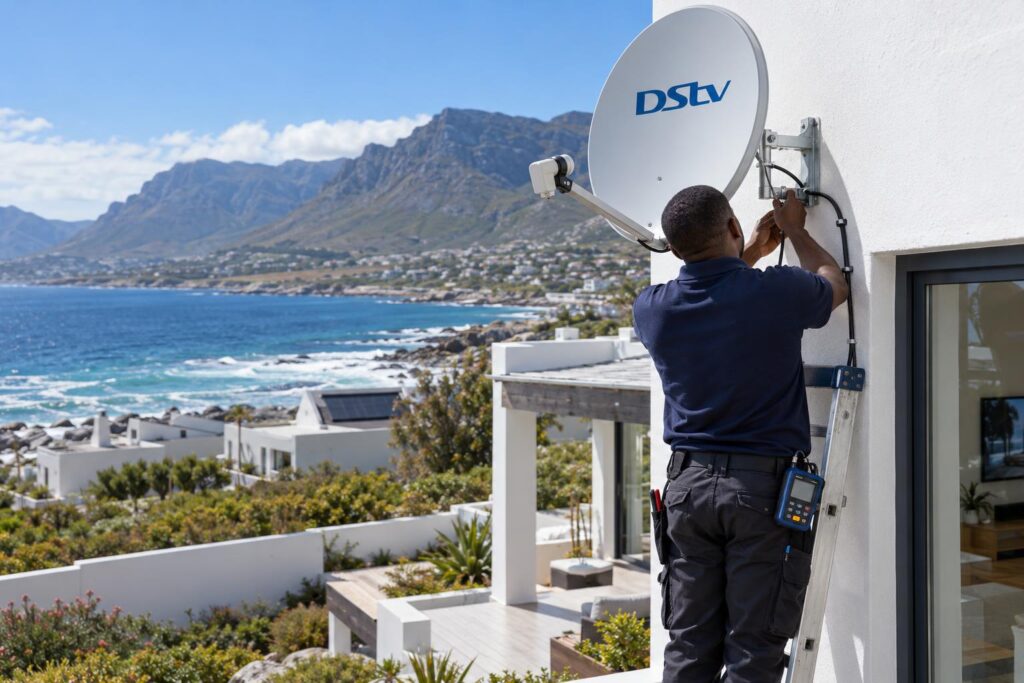
Quick answer: DStv Extra View (DStv calls it XtraView) links two or three decoders to one subscription, so every room can watch its own channel. A proper setup needs a DStv Smart LNB on an 80cm dish, a cable to each room and a call to DStv to link the decoders on your account. The main decoder must stay switched on, because the other rooms depend on it.
The DStv Extra View setup Hermanus families ask us for most is simple: one subscription, two or three TVs, and no more fighting over the remote. It sounds easy, and it mostly is. But a few rules catch people out, especially in holiday homes. This guide walks you through how it works, what you need and what happens on the day.
A typical Saturday in Hermanus: one decoder, two rooms
Picture a wet winter Saturday in Sandbaai. The rugby kicks off at five in the lounge. In the main bedroom, someone else wants to finish a series in peace.
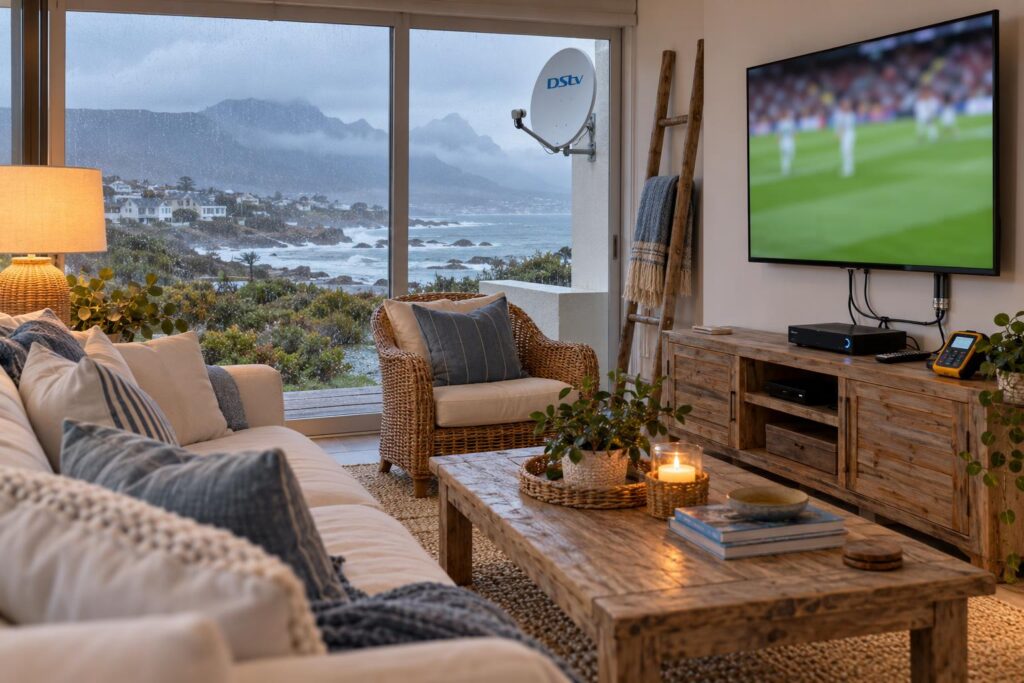
With one decoder, somebody loses. A second TV on a long HDMI cable only shows the same channel. A cheap splitter on the dish cable does not work either. It upsets the signals the decoder sends up to the LNB, so both boxes struggle.
We see this in every part of town. Family homes in Vermont and Onrus. Retirement cottages near Fernkloof. Big holiday houses in Voelklip that fill up every December. The fix is the same each time: a proper Extra View setup, with a second decoder linked to the first.
That link is what DStv calls XtraView. Most people search for it as Extra View or Dual View. It is the same thing.
What DStv Extra View actually is
Extra View links two or three decoders under one DStv subscription. Each decoder works on its own. So the lounge can watch SuperSport while the bedroom watches a movie.
Primary and secondary decoders
One decoder is the primary. The others are secondaries. DStv says the primary sends a regular signal to the others, called the "heartbeat".
As long as the secondaries receive that heartbeat, they keep working. If the primary is switched off or removed, they stop. The primary itself keeps working even if a secondary fails.
Apart from that, DStv says there is no difference in features between primary and secondary. A secondary Explora still records and pauses like any Explora.
What Extra View costs each month
You do not pay for a second full package. You pay your normal subscription plus an Access Fee. According to DStv:
- Two linked decoders cost your subscription plus one Access Fee.
- Three linked decoders cost your subscription plus two Access Fees.
- If one of your decoders is an Explora or other PVR, you already pay an Access Fee for it, so a second linked decoder adds nothing more.
The Access Fee amount changes from time to time, so check the current figure with DStv before you decide.
Key points about Extra View
- Up to three decoders on one subscription.
- Every linked decoder gets the same package and the same channels.
- Three decoders need an Explora as the primary.
- Secondaries stop working when the primary is off.
- DStv must link the decoders on your account after the installation.
What you need for a DStv Extra View setup in Hermanus
There are four parts to every Extra View setup. Skip one and the system gives trouble later.
- Two or three decoders on the same DStv account, in a combination DStv allows.
- A dish and LNB that can feed them all. DStv recommends a DStv Smart LNB on an 80cm dish for most XtraView installs.
- A cable run to each room. Every decoder needs its own feed.
- The link on your account. DStv has to register the decoders together so the billing is right.
Which decoders can be linked
Not every mix of decoders works. Here is what DStv's own rules allow.
| Setup | Decoders DStv allows | Main rule |
|---|---|---|
| Two decoders | 11 series single view, DStv HD Decoder, SD PVR, HD PVRs and the DStv Explora | The SD PVR cannot be the primary |
| Three decoders | DStv Explora and DStv HD Decoder | The primary must be an Explora |
Not sure what you have? Turn the decoder over. The model is on the sticker underneath. A photo on WhatsApp is enough for us to tell you. If your boxes are very old, our guide to upgrading to an Explora Ultra explains when a new decoder makes more sense than linking an old one.
Dish, Smart LNB and cabling
The LNB is the part people forget. An old single-output LNB cannot feed two decoders properly. A Smart LNB can feed several decoders, some over a shared cable. Our Smart LNB guide for Hermanus covers how it works and when you need one.
The heartbeat path matters too. DStv says newer decoders linked through a Smart LNB need no separate heartbeat cable. The original Explora and older decoders still need a heartbeat cable, even with a Smart LNB.
Local tip: In Westcliff, Eastcliff and Hawston the salt air is close and constant. Every outdoor connector on an Extra View setup in Hermanus gets sealed. One corroded connector can break the heartbeat and take the second room off air.
How we do a DStv Extra View setup in Hermanus, step by step
This is how a typical Extra View setup runs for our team. Most two-room jobs are done in one visit.
- Walk the house. We agree where each TV goes and find the neatest cable path. Older homes with solid walls take more planning.
- Check the dish. We test the signal with a meter. If the Walker Bay wind has pushed the dish off line, we realign and tighten it.
- Fit the right LNB. If there is no Smart LNB, we fit one. If the old dish is rusted, we tell you straight.
- Run the cables. One run per room, clipped, hidden where possible and sealed outside.
- Set up each decoder. Each box is set for its own position on the Smart LNB, so they do not clash.
- Link the account. You or we phone DStv to link the decoders. We tell you exactly what to ask for.
- Test every room. Different channels on every TV at the same time. Then a quick demo on each remote.
Want the full detail of what we include? See our XtraView setup service page. It lists the parts, the testing and who it suits.
For rough figures on multi-room work, our DStv installation cost guide sets out typical ranges. It also explains why decoder prices and labour should always be quoted separately.
Want a second or third TV linked up?
Tell us how many rooms you want and which decoders you have. We will give you a clear price before any work starts.
The primary decoder rule, and why holiday homes trip over it
This is the rule we explain on almost every Extra View setup. DStv's own primary and secondary decoder guide says the secondaries will not work if the primary is switched off, removed or loses its heartbeat.
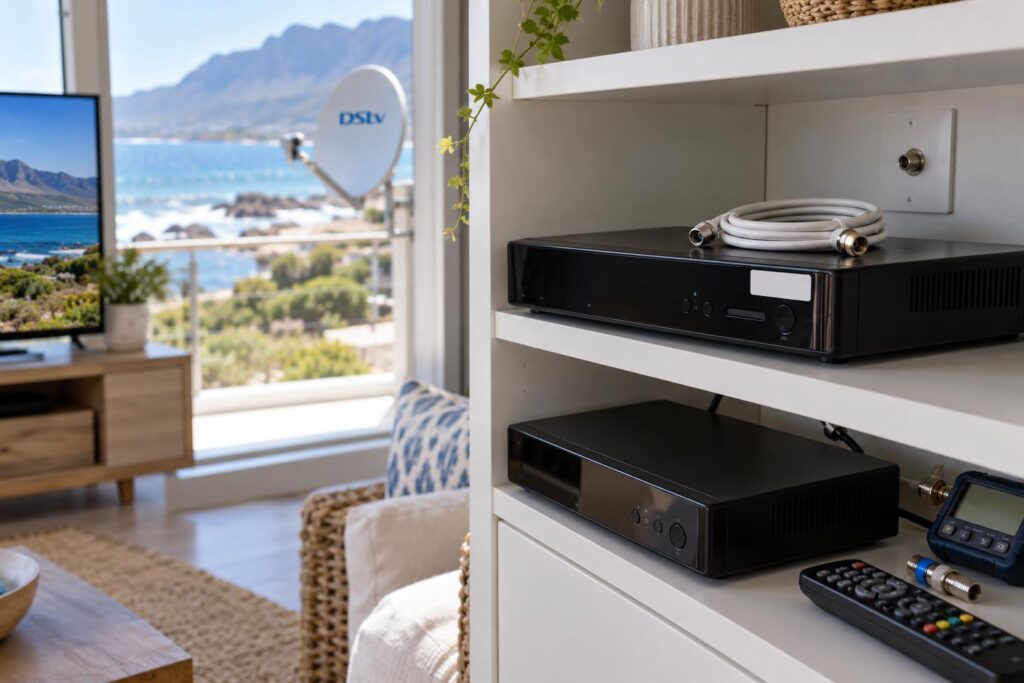
In real life, that causes three common problems:
- The main box is switched off at the wall. Someone tidies up the lounge, and the bedroom TV dies soon after.
- The main box goes on holiday. The owners take it to another house, and the decoders left behind stop.
- The power trips in one part of the house. If the primary is on that circuit, the secondaries follow.
Choosing your primary in a holiday home
Many homes in Voelklip, Onrus and Kleinmond stand empty for months, then fill with family or guests. In these houses we usually put the primary in the main living area. That is also where DStv says most people prefer it.
We label the primary decoder too. Guests and cleaners then know not to switch it off. If you let the house out, our guide to DStv in Hermanus holiday homes covers WiFi, guest use and the empty season.
Planning to take a decoder away? DStv says you can ask them to remove it from your XtraView setup. If it is the primary, the cabling must change so the two remaining decoders can stay linked.
Load shedding, trips and the heartbeat
When the power drops, every decoder goes off. When it returns, the secondaries need the primary running again before they work. If you have an inverter or UPS, put the primary decoder on it with the other TVs.
Power surges are the other risk. Linked decoders share cables, so a surge can travel. Our article on protecting decoders from power surges explains the simple fixes, which matter in a lightning season.
Extra View rules that catch people out
These come straight from DStv's important XtraView information page. They surprise a lot of people.
| Rule | What it means for you |
|---|---|
| Same package on all decoders | You cannot have Premium in the lounge and Compact in the bedroom. |
| Same channels on all decoders | Any add-on you take shows on every linked decoder. |
| BoxOffice stays on one box | A movie rented on one decoder only plays on that decoder. |
| Each Explora needs its own internet | For streaming and Catch Up, every linked Explora needs a connection. |
| Three decoders need an Explora primary | An older box cannot be the main decoder in a three-way link. |
Most of these are easy to live with once you know them, and we explain each one during every Extra View setup. The trouble starts when nobody told you.
Your options: two rooms now, three later, or wired from scratch
Every house is different, so every DStv Extra View setup in Hermanus starts with the same question: how many rooms, now and later? Here are the three routes we see most often.
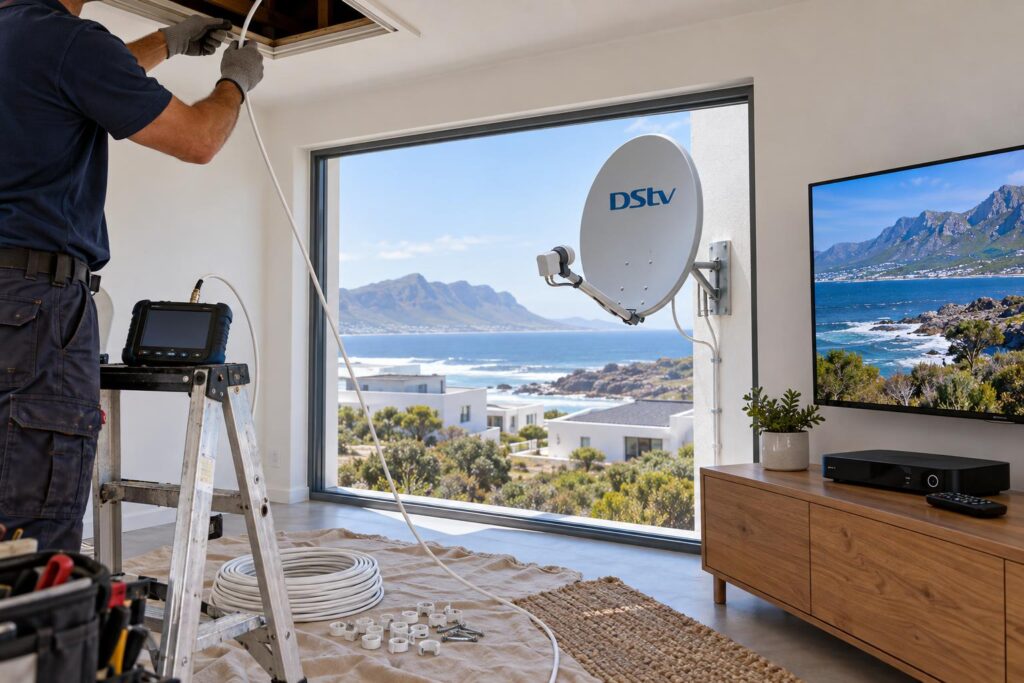
Two rooms on an existing dish
This is the most common Extra View setup in Hermanus. We keep your dish if it is sound, fit a Smart LNB if needed, and run one extra cable. It suits most single-storey homes in Sandbaai, Vermont and Fisherhaven.
Start with two, plan for three
Plenty of families add a third room later, once a granny flat is finished or the grandchildren visit more. Plan your Extra View setup for it on day one:
- Make an Explora the primary, so a third decoder can join later. DStv recommends this too.
- Ask us to run the third cable while we are in the roof the first time.
- Leave a wall plate in the third room, even if the TV is not there yet.
One extra cable on the first visit is a small cost. Coming back to lift ceiling boards later costs more and makes more mess.
Is a DStv Extra View setup in Hermanus worth it in a new build?
Yes, and it is the cheapest time to do it. If you are building in Stanford, Hawston or anywhere in Greater Hermanus, read about planning DStv cabling in a new build before the plaster goes on. Conduit to every TV point now saves chasing walls later.
For bigger properties with more than three TVs, an Extra View setup alone is not enough. Guesthouses and complexes need a different plan, and we handle those larger systems as part of our DStv installation in Hermanus work.
Your DStv Extra View setup Hermanus checklist
Run through this before you book. It makes the visit faster and the quote more accurate.
Before the installer arrives
- Know how many TVs you want working, and in which rooms.
- Check the model sticker on each decoder, or send us photos.
- Make sure all decoders are on the same DStv account.
- Decide which TV gets the primary decoder. Usually the one you watch most.
- Note whether you have an inverter or UPS, and which plugs it feeds.
- Check that each Explora will have WiFi or a network cable.
- Have your DStv account details ready for the linking call.
Once that is done, the DStv Extra View setup in Hermanus itself is quick. Our Hermanus DStv installers can usually give you a firm price on the phone when you have these answers ready.
Ready for TV in every room?
We set up Extra View across Hermanus, Onrus, Sandbaai, Hawston, Stanford and Kleinmond. Same-day where our schedule allows.
Done right, an Extra View setup is the kind of job you forget about. Every room has its own channel, the bill stays sensible and nobody argues over the remote.
DStv Extra View setup in Hermanus: common questions
How does a DStv Extra View setup work?
Two or three decoders are linked to one DStv subscription. The primary decoder sends a heartbeat signal to the others, which keeps them working. Each decoder can then watch a different channel in its own room.
Is DStv Extra View free, or do I pay every month?
You pay your normal subscription plus an Access Fee. Two decoders need one Access Fee, and three need two. If one decoder is an Explora or other PVR, you already pay that fee, so a second linked decoder adds nothing more.
Why is my DStv Extra View not working on the second TV?
The most common reason is that the primary decoder is off or has lost power. A loose, wet or corroded cable can also break the heartbeat. Switch the primary on first, then check the cables before you call us.
Can I use a DStv Explora with Extra View?
Yes. An Explora can be linked in Extra View, and DStv recommends making it the primary. If you want three decoders, the primary must be an Explora.
Can each room have a different DStv package?
No. DStv says all linked decoders must be on the same package. Every decoder gets the same channels, including any add-ons.
Do I need to call DStv after my Extra View setup?
Yes. The installer does the physical work, but DStv must link the decoders on your account so the billing is correct. We tell you exactly what to ask for.