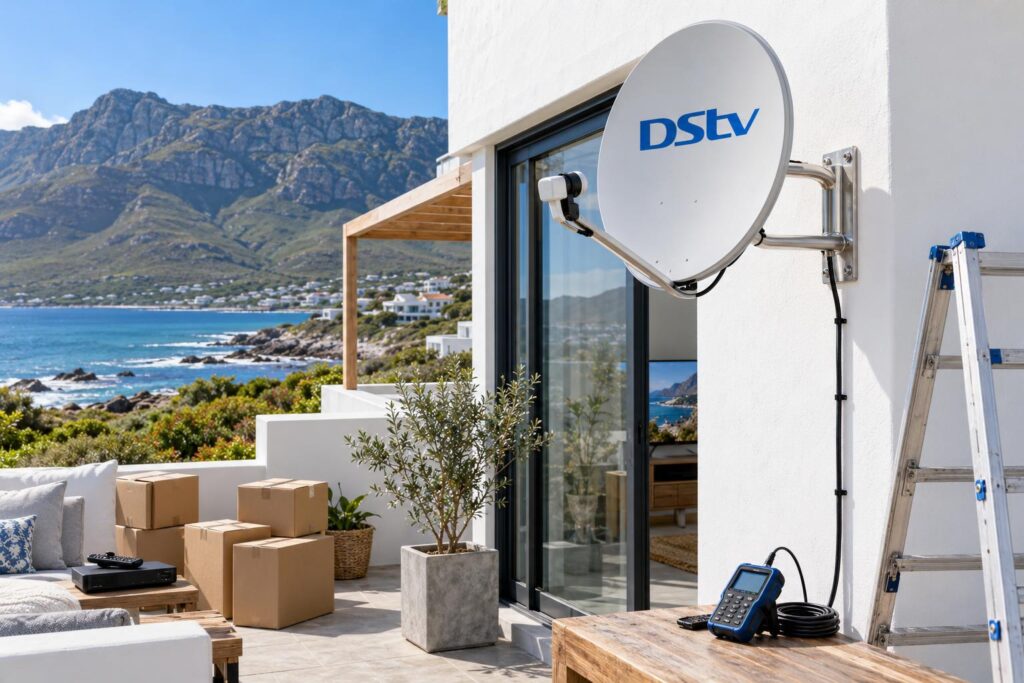
Quick answer: Moving DStv to Hermanus does not mean starting again. Your decoder and your subscription move with you. What changes is the dish, the LNB and the cabling at the new house. Most people keep their decoder, refurbish the dish already on the roof, and have it realigned for the coast.
Moving DStv to Hermanus is one of the easiest parts of a move, if you plan it. Your decoder is linked to you, not to the old house. The only real question is what happens on the roof at the new place.
We help a lot of new arrivals. Some are retiring here from Gauteng. Some are trading city traffic for Walker Bay. Others are just moving across town, from Sandbaai to Vermont or from Onrus into the village. This guide walks you through the choices in the order you will face them.
Key points before moving DStv to Hermanus
- Bring your decoder, remote, power supply and HDMI cable. Leave the old cables behind.
- Ask for a photo of the dish on your new roof before you arrive.
- An Explora needs a DStv Smart LNB on the dish.
- Update your address with DStv on the MyDStv app.
- Book your installer early, especially for December and January moves.
Moving DStv to Hermanus: your three options
Every move comes down to one decision. Do you use the dish at the new house, bring your own, or start with fresh hardware? Here is how the three options compare.
| Option | Best when | Watch out for |
|---|---|---|
| Use the dish already at the new house | It is solid, rust free and has a clear view of the sky | An old LNB that does not suit your decoder |
| Bring your old dish with you | The new house has no dish and yours is in good shape | Damage in the truck and a bracket that does not fit the new wall |
| Fit new hardware | The old dish is rusted, bent or badly placed | Paying for a new dish when the old one only needed work |
Most of our moves end up in the first group. Many Hermanus homes already have a dish on the roof. The trick is knowing whether that dish is healthy.
Moving within Hermanus and the Overberg
A short move still needs the dish done properly. A house in Fernkloof may have the mountain behind it. A house in Voelklip may have a new double storey next door. Even a few streets changes the angle and what is in the way.
For local moves, we take the dish down at the old house and put it up at the new one. If one part is weather damaged, we replace only that part. Our DStv relocation service covers the full removal, refit and retest.
What to pack and what to leave behind
Packing is the first real step in moving DStv to Hermanus. A little care now saves a lot of hunting later, because the small items go missing first.
- Decoder: bring it. It is linked to your account and holds your recordings.
- Remote, power supply and HDMI cable: bring them, packed in one bag with the decoder.
- DStv WiFi Connector: bring it if you have one. Some Exploras use it to get online.
- Coax cable: leave it. It was cut to fit the old house.
- Wall bracket: leave it. It is screwed to the old wall and sized for it.
Wrap the decoder in a towel or its original box. If it is an Explora, keep it upright. It has a hard drive inside, and a long, bumpy trip down the N2 is not kind to it.
Local tip: Take a photo of the back of your decoder before you unplug it. It makes the first hookup at the new house much quicker if you plug in yourself.
What moving DStv to Hermanus costs
The decoder you already own costs nothing extra. Most of the cost of moving DStv to Hermanus is labour. The rest is any parts the new roof needs. The ranges below come from our DStv installation cost guide. They are typical ranges, not a quote.
| Type of job | Typical range | What drives it |
|---|---|---|
| Relocation to a new home | R700 to R1,400 | Remove, refit, realign |
| Dish realignment only | R450 to R850 | Call-out plus meter alignment |
| Signal fault repair | R450 to R900 | What has failed |
| Single view, new install | R800 to R1,500 | Dish, LNB, cable length, access |
| Explora or Ultra install | R1,400 to R3,000 | Smart LNB plus decoder cost |
What pushes the price up
- A double storey or a steep roof that needs extra ladder work.
- A long cable run, common on farms near Stanford or big plots in Fisherhaven.
- A rusted bracket or cracked LNB that must be replaced.
- More than one TV point, or linking a second decoder.
Equipment is always priced separately from labour. We tell you both before we start, so there are no surprises.
The dish already on your new Hermanus roof
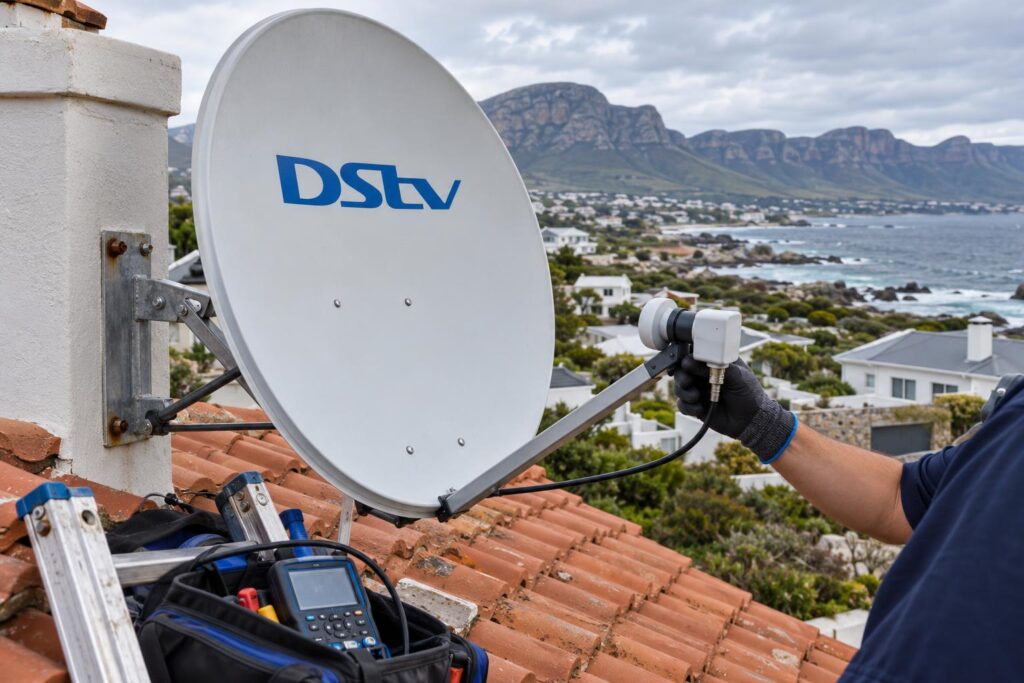
This is the big question for most people moving DStv to Hermanus. A dish that has stood near the sea for years is not the same as one in Pretoria. Salt air and the south-easter wear it down in ways you cannot always see from the garden.
Worth keeping if
- The bracket and bolts are clean, with no rust streaks down the wall.
- The dish does not move when you push it gently.
- The LNB suits your decoder. An Explora needs a Smart LNB.
- A meter shows good strength and good quality, not just one of them.
Time to replace if
- The LNB housing is cracked or the connector has turned green.
- The dish is bent from wind, or has been "fixed" with wire.
- The cable is perished by the sun or hangs loose across the roof.
- Trees have grown into the line of sight since it went up.
Often the answer sits in between. We keep the dish, replace the LNB and connectors, realign it and seal everything for the coast. That is usually the cheapest route that lasts. If you are not sure which LNB you have, our guide to the DStv Smart LNB shows how to tell.
Moving in soon?
Send us your moving date and a photo of the roof. We will tell you if the existing dish can stay, and book you in so the TV works on your first night.
How we install DStv at your new house
Whether you are in Eastcliff, Westcliff or out in Kleinmond, the job follows the same steps. We do it this way because shortcuts show up in the first winter storm.
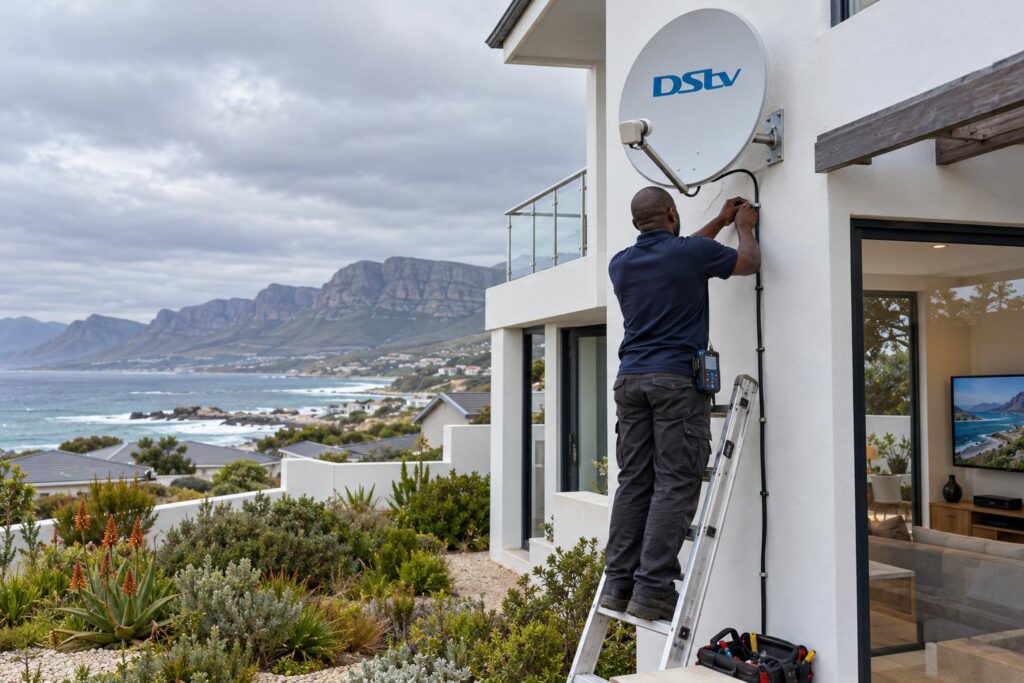
- Check the roof and the view. We find a spot with a clear line to the satellite and a solid wall or fascia.
- Fit or refurbish the dish. We use marine grade brackets and fittings that stand up to Walker Bay air.
- Fit the right LNB. A Smart LNB for an Explora, or a suitable LNB for other decoders.
- Run new cable. Fresh coax, clipped neatly and sealed where it enters the house.
- Align with a meter. We align by meter, never by eye, and leave headroom for wind and rain.
- Connect and test. We plug in your decoder, check every channel loads and show you the basics.
If you want help with the whole setup, from dish to wall mount, our team handles DStv installation in Hermanus and across the Overberg.
Complexes, estates and holiday homes
Some estates and complexes have rules on where a dish may go. Ask the managing agent before anything gets drilled. Many complexes share one communal dish, which changes the job completely.
If your new place is a holiday home that will stand empty for months, plan for that too. Our guide to holiday home DStv setups covers what to do before you lock up.
Sorting out your DStv account after the move
The roof is only half the job of moving DStv to Hermanus. A few account tasks are easy to forget in the chaos of a move.
Update your address
Change your address and contact details on the MyDStv app or DStv self service. It takes a few minutes. It also means DStv can reach you about your account at the new house.
Two decoders, one subscription
If you run two linked decoders, think about where each one is going. XtraView decoders share one package, so plan the move with that in mind. If only one decoder is coming to Hermanus, speak to DStv about the account side first. Our article on DStv Extra View setup explains how linked decoders work.
A decoder left behind by the previous owner
It happens more than you would think. The seller leaves the decoder under the TV. You cannot simply take over their DStv account, because every account is linked to one person.
What you can do is a change of ownership. DStv has a change of ownership page on its website. You follow the steps and supply the documents it asks for, such as your ID. Once that is done, the decoder can go on your own account.
Mistakes to avoid when moving DStv to Hermanus
We see the same few mistakes again and again. Each one costs time, money or both.
Buying new gear before anyone looks at the roof
People often buy a new dish or decoder before the move, just in case. Then the existing dish turns out to be fine. Let us look first, so you only pay for what is needed.
Leaving the booking until moving day
December and January are busy here. Holiday homes open up, visitors arrive and every installer is booked. Give us your date as early as you can.
Plugging straight in after load shedding or storms
Power often comes back with a spike in the Overberg, and summer storms bring lightning. A decoder that survived the move can still die on day three. A surge protector is cheap insurance, and our guide to DStv decoder surge protection explains what to buy.
Trusting a dish that "used to work"
A dish that worked for the last owner may have drifted since. Wind in Hawston or Sandbaai can push a dish slowly off target. It works on a still day, then breaks up in the first strong south-easter.
Your first week with DStv in Hermanus
Once you are watching, keep an eye on a few things. The first proper blow of wind is a good test of the work.
- Note whether the picture breaks up in rain or wind. If it does, the alignment has no headroom.
- If an error code shows after the decoder was off for a while, use the MyDStv app to clear it. Keep the decoder on while you do.
- Connect your Explora to the internet if you have one. You get more Catch Up that way.
- Check the cable where it enters the wall. It should be clipped and sealed, not flapping.
You can also check your DStv signal strength from the couch. A good reading on both strength and quality means the dish is happy.
If something still does not look right, ask our Hermanus DStv installers to take a look. Small problems are quicker to fix before winter sets in.
Settling in? Let us get the TV sorted.
We cover Hermanus, Onrus, Sandbaai, Vermont, Hawston, Stanford and the wider Overberg. Same day where the schedule allows.
A move is busy enough without a blank TV screen. With a little planning, moving DStv to Hermanus means the TV works on your first night in the new home.
Moving DStv to Hermanus: questions we get asked
Do I need a new decoder when moving DStv to Hermanus?
No. Your decoder comes with you, along with your subscription. It needs a working dish and the right LNB at the new house. That is all.
Can I move my DStv decoder to another house?
Yes. Your decoder is linked to your account, not to the old address. Plug it into a properly aligned dish at the new house and it will work. Update your address on the MyDStv app so your details stay current.
Should I bring my old dish when moving DStv to Hermanus?
Only if it is in good condition and the new house has no dish. Many Hermanus homes already have one. It is often better to refurbish that dish than to truck yours down.
How much does a DStv relocation cost in Hermanus?
A relocation to a new home typically falls between R700 and R1,400. The price depends on the roof, the cable run and whether any parts need replacing. We confirm the price before we start.
Can I use the decoder the previous owner left behind?
Yes, but not on their account. You need to do a change of ownership with DStv. You will be asked for documents such as your ID.
How soon after moving DStv to Hermanus can I watch TV?
If you book ahead, often on the day you move in. Tell us your moving date early, especially in summer. Local moves can often be booked within a day or two.