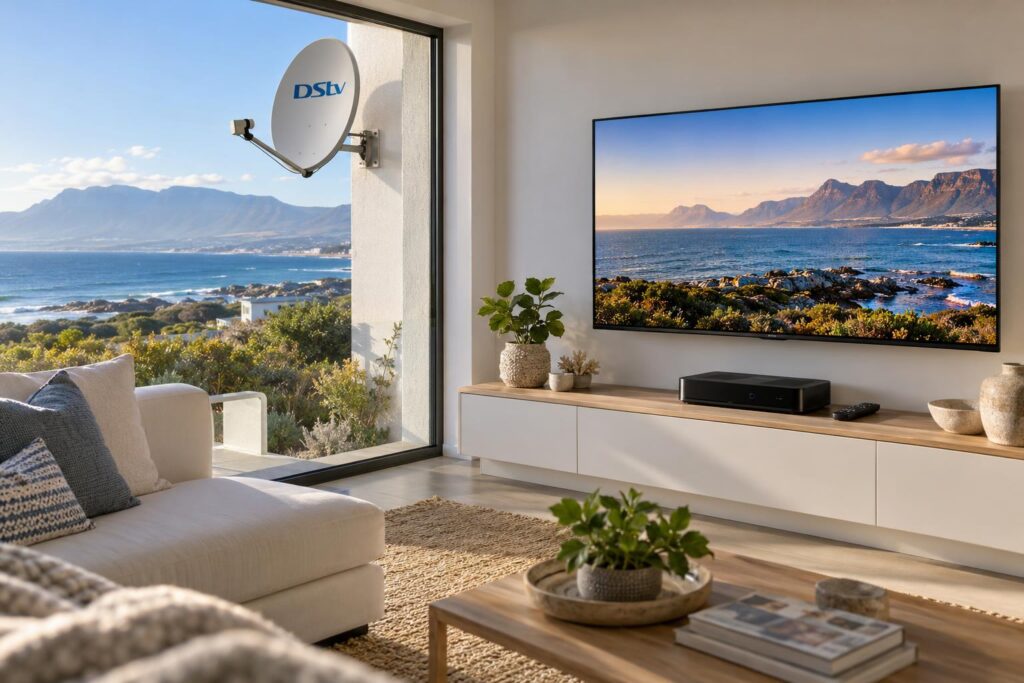
Quick answer: To upgrade from an old HD decoder to an Explora Ultra, the dish needs a DStv Smart LNB first. MultiChoice recommends a Smart LNB on an 80cm dish for every Explora model. If you already have an older Explora, the Ultra simply plugs into the same cable. For the streaming apps, plan on an uncapped line of at least 10Mbps at the TV.
Your old HD decoder still works. It just cannot keep up. You cannot record, you cannot pause, and the streaming apps live on a laptop or a separate stick. This is the DStv decoder upgrade Hermanus homeowners ask us about most, and it is simpler than it sounds once you know what really changes.
In short, the new box is the easy part. What decides whether the upgrade goes well is the dish, the cable down the wall and the internet in your lounge. We will walk you through the problem, the causes and the fixes, in that order.
Key points before you upgrade
- An HD decoder uses a single LNB. Every Explora, including the Ultra, needs a DStv Smart LNB.
- Coming from an older Explora? No change to the installation is needed.
- Recordings do not move from an old Explora to the Ultra. Watch them first.
- The Ultra works without internet, but the apps are why you pay more for it.
- Coastal cable and connectors often need replacing at the same time.
The problem: an old HD decoder in a modern lounge
Most upgrade calls we take start the same way. Someone missed the end of a match, or the family argues about what to watch, or the TV feels slow and dated.
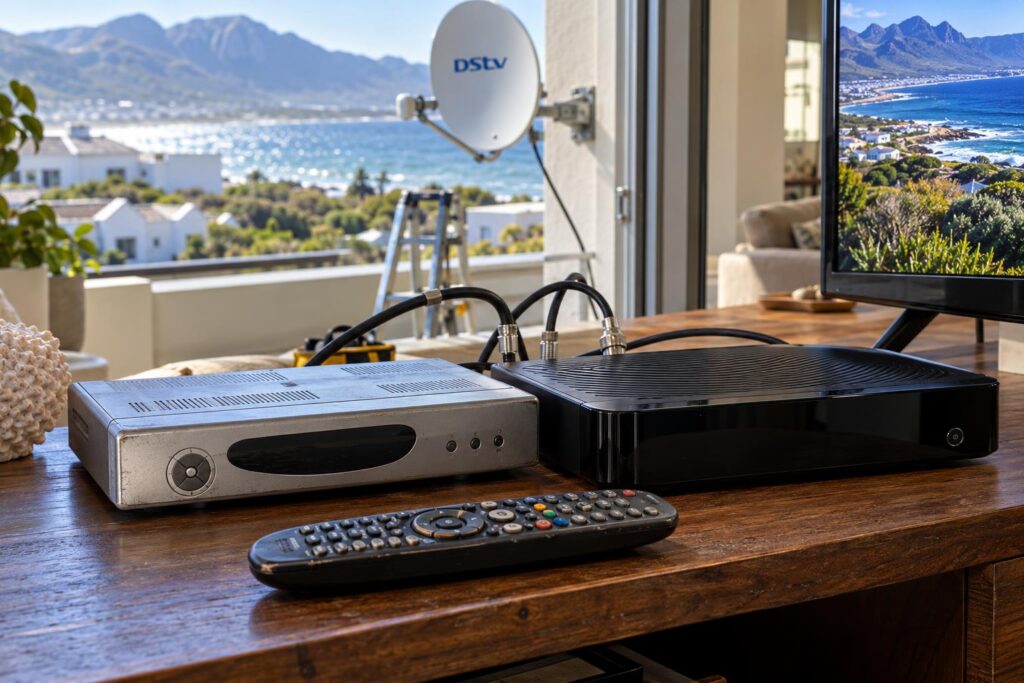
Signs you need a DStv decoder upgrade in Hermanus
None of these are faults. They are the limits of a decoder that was never built to record or stream.
- You keep missing shows and have no way to record them.
- Someone wants to pause the rugby to put the kettle on, and cannot.
- You pay for Netflix or Prime Video but watch it on a different device.
- The TV guide is slow and the remote lags.
- You now spend more evenings at home and want more from the TV.
If two or more sound like your house, an upgrade makes sense. If none do, keep the HD box. It is perfectly fine for live TV.
Local tip: An upgrade is not the same as a software update or a reset. Neither one will give an HD decoder the ability to record. That needs a different box.
Why a DStv decoder upgrade in Hermanus is more than a box swap
People often buy the new decoder, plug it in and find it does not work properly. There are three common causes, and all of them sit outside the box.
Your dish has the wrong LNB
The LNB is the arm on the front of the dish that picks up the signal. A single view HD install normally has a single LNB, which is the correct part for that decoder.
An Explora needs a DStv Smart LNB. It carries several signals down one cable, which is how the box records one channel while you watch another. If you are not sure what is on your roof, our guide on whether you need a Smart LNB shows you how to tell.
Coastal cabling that has quietly aged
Walker Bay salt air is hard on outdoor gear. We regularly open old connectors in Sandbaai, Onrus and Vermont that are green or crusty inside.
An old HD box can limp along on a tired cable. A new decoder that needs a stronger, cleaner signal often cannot. A new decoder on a corroded cable is still on a corroded cable. That is why sealing every connector is part of each DStv installation in Hermanus we do.
Internet that does not reach the TV
The Ultra works without internet. Live channels and recording carry on as normal. But the apps need a connection, and MultiChoice recommends an uncapped line with at least 10Mbps for HD streaming, according to its recommended internet connection page.
Out towards Stanford, Fisherhaven and the farms, many homes run on LTE or fixed wireless rather than fibre. Test the speed in the lounge, next to the TV. The number at the router means little if the WiFi fades two walls away.
Old HD vs Explora vs Explora Ultra: what actually changes
Here is the short comparison. We only list what MultiChoice publishes about each box.
| Feature | Old HD single view | Explora | Explora Ultra |
|---|---|---|---|
| Record and pause live TV | No | Yes, pause up to 2 hours | Yes, pause up to 2 hours |
| Recording space | None | Up to 110 hours | Up to 110 hours |
| Streaming apps on the box | No | No | Yes |
| Getting online | Not needed | Ethernet or DStv WiFi Connector | Built-in WiFi or Ethernet |
| LNB on the dish | Single LNB | DStv Smart LNB | DStv Smart LNB |
| 4K, HDR and Dolby Atmos | No | No | Supported, where available |
Still weighing up the models? Our honest guide on which DStv decoder suits you covers that decision in more detail.
What the Explora Ultra adds
- Streaming apps on the decoder, including Netflix, Disney+, Prime Video and YouTube. Separate subscriptions apply.
- Built-in WiFi, so there is no extra connector to plug in.
- Support for 4K streaming, HDR and Dolby Atmos, where available and with the right TV.
- The A9 remote, which can also be set up to control your TV.
- No smartcard slot to worry about.
What stays the same
Without internet, MultiChoice says the Ultra works like its other Explora models. Recording space, pause live TV, Catch Up and BoxOffice all work the same way.
Your package does not change either. You still need an active DStv subscription to use the apps on the Ultra.
How we handle a DStv decoder upgrade in Hermanus, step by step
This is the order our team follows on the day. It keeps surprises to a minimum.
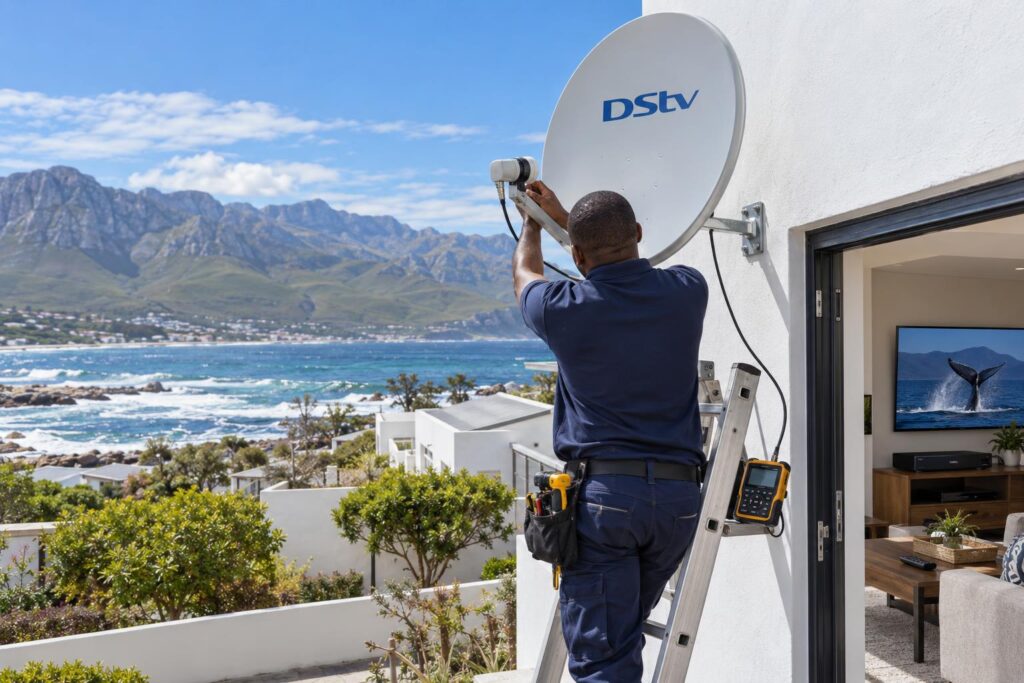
- Watch your old recordings first. MultiChoice confirms recordings cannot move from an old Explora to the Ultra.
- We test the dish. Signal strength and quality go on a meter, not a guess.
- We fit the Smart LNB if you are coming from an HD decoder, then realign the dish.
- We check the cable run and replace any corroded connector or tired section.
- We connect the new decoder with the HDMI cable and power supply from its own box, as MultiChoice asks.
- We link the decoder to your DStv account so your package shows. Have your account details handy.
- We connect the Ultra to your WiFi and test it with you. Set a recording, pause live TV and open an app.
Plan for an hour or two. Most of that time is testing, not the swap itself. You can see what is included on our DStv Explora installation page.
Coming from an older Explora? Usually plug and play
MultiChoice says customers moving from an existing Explora need no change to the installation. You unplug the old box and plug in the Ultra. Use the new HDMI cable and power supply.
Plenty of people do this themselves. We step in when the signal was already weak, or when the WiFi will not reach the TV. An upgrade tends to show up problems that were there all along.
Many families keep the old Explora for a bedroom. The Ultra is XtraView capable, and our guide to how DStv Extra View setup works explains the linking. Note that an original Explora still needs a heartbeat cable to link.
Not sure your dish is ready for an Explora?
WhatsApp us a photo of your dish and the back of your decoder. We will tell you if the LNB needs changing before you buy anything.
What a DStv decoder upgrade in Hermanus costs
There are two separate costs. One is the decoder itself. The other is the installation work around it. Always ask for the two to be split on a quote.
For current retail prices at the big stores, see our guide to DStv decoder prices in Hermanus. Prices change often, so check them close to the day you buy.
| Type of job | Typical range | What drives it |
|---|---|---|
| Explora or Ultra install | R1,400 to R3,000 | Smart LNB plus decoder cost |
| Dish realignment only | R450 to R850 | Callout plus meter alignment |
| Signal fault repair | R450 to R900 | Depends what has failed |
These are guide ranges, not a quote. The full breakdown, and what pushes a job up or down, is in our DStv installation cost guide.
The cheapest upgrade is the one done once. Swapping the LNB and connectors in the same visit avoids paying for a second trip up the ladder.
Local conditions that affect your upgrade
Hermanus is a great place to live and a tough place for a satellite dish. A few local things are worth knowing before you change decoders.
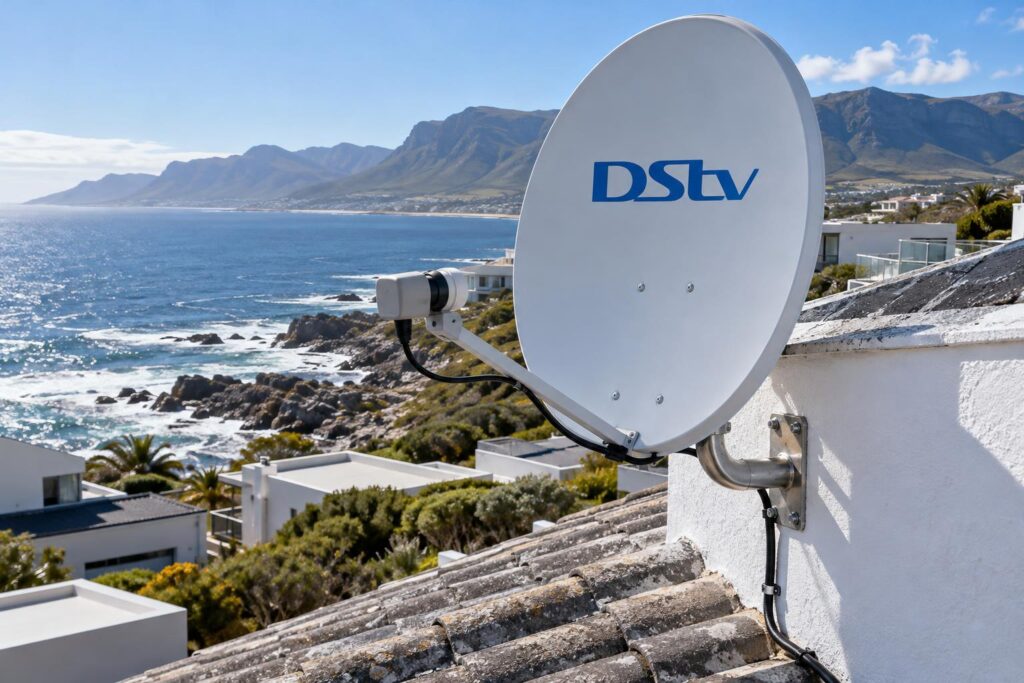
- Wind. The south-easter can nudge a dish off target in Voelklip, Eastcliff and Westcliff. A slightly drifted dish may be fine for HD but not for an Explora.
- Salt air. Brackets and connectors corrode faster close to the sea, from Hawston to Kleinmond.
- Holiday homes. A house that stands empty for months often has a dead remote, a flat battery or a disconnected cable waiting.
- Power surges. Load shedding and summer storms are hard on electronics. A surge plug for the new decoder is money well spent.
Before you book anything, you can check your DStv signal strength on the old decoder. A weak or jumpy reading tells us to bring a new LNB and cable.
Larger homes in Fernkloof and up the slopes in Vermont also tend to have thick walls. That matters for WiFi. If the router is at the other end of the house, plan a cable or a mesh point near the TV.
When to call us, and when you can do it yourself
Some upgrades really are a ten minute job. Others need a ladder, a meter and a few new parts. Here is how to tell which one you have.
You can probably do it yourself if
- You already have an Explora that records and works well.
- Your picture never breaks up, even in wind or rain.
- Your WiFi is strong where the TV stands.
Call a technician if
- You are moving from an HD decoder to any Explora.
- You see signal errors, freezing or blocky pictures.
- You want the old decoder linked in another room.
- The dish is old, rusty or on a high or awkward roof.
That second group is everyday work for our Hermanus DStv installers. We fit the Smart LNB, check the cable, set up the Ultra and show you how it all works before we leave.
If you are planning other work too, such as moving a TV or adding a room, mention it when you call. It is often cheaper to do it all at once.
Ready to upgrade your decoder?
Tell us what you have now and what you want. We will give you a clear price up front, and we cover Hermanus and the Overberg.
Done properly, the upgrade is something you set up once and then simply enjoy. Record the match, pause for the braai and pick up where you left off.
DStv decoder upgrade Hermanus FAQs
Can I upgrade my DStv decoder myself?
Yes, if you already have a working Explora. MultiChoice says the Ultra plugs into the same installation with no changes. If you are coming from an HD decoder, the dish needs a Smart LNB first, which is a job for an installer.
Do I need a new dish for a DStv decoder upgrade in Hermanus?
Usually not. The LNB is what changes. MultiChoice recommends a Smart LNB on an 80cm dish for every Explora. If your dish is smaller, bent or badly rusted, we will show you why and suggest a replacement.
Will my recordings move to the Explora Ultra?
No. MultiChoice confirms recordings cannot be moved from an old Explora to the Ultra. Watch anything important before the swap.
Does the Explora Ultra work without internet?
Yes. Without internet it works like the other Explora models, with live TV, recording and pause. You need internet for the streaming apps and the full Catch Up library for your package.
What is the difference between the Explora and the Explora Ultra?
Both record up to 110 hours and need a Smart LNB. The Ultra adds streaming apps, built-in WiFi, the A9 remote and support for 4K, HDR and Dolby Atmos where available. Without internet, the two work much the same.
How much does a DStv decoder upgrade in Hermanus cost?
Our cost guide lists an Explora or Ultra installation at R1,400 to R3,000, depending on the Smart LNB and decoder. The decoder price is separate. We give you a clear price up front before any work starts.